Desktop
The desktop is the first interface you see when you enter Next HiCar.
Smart Desktop
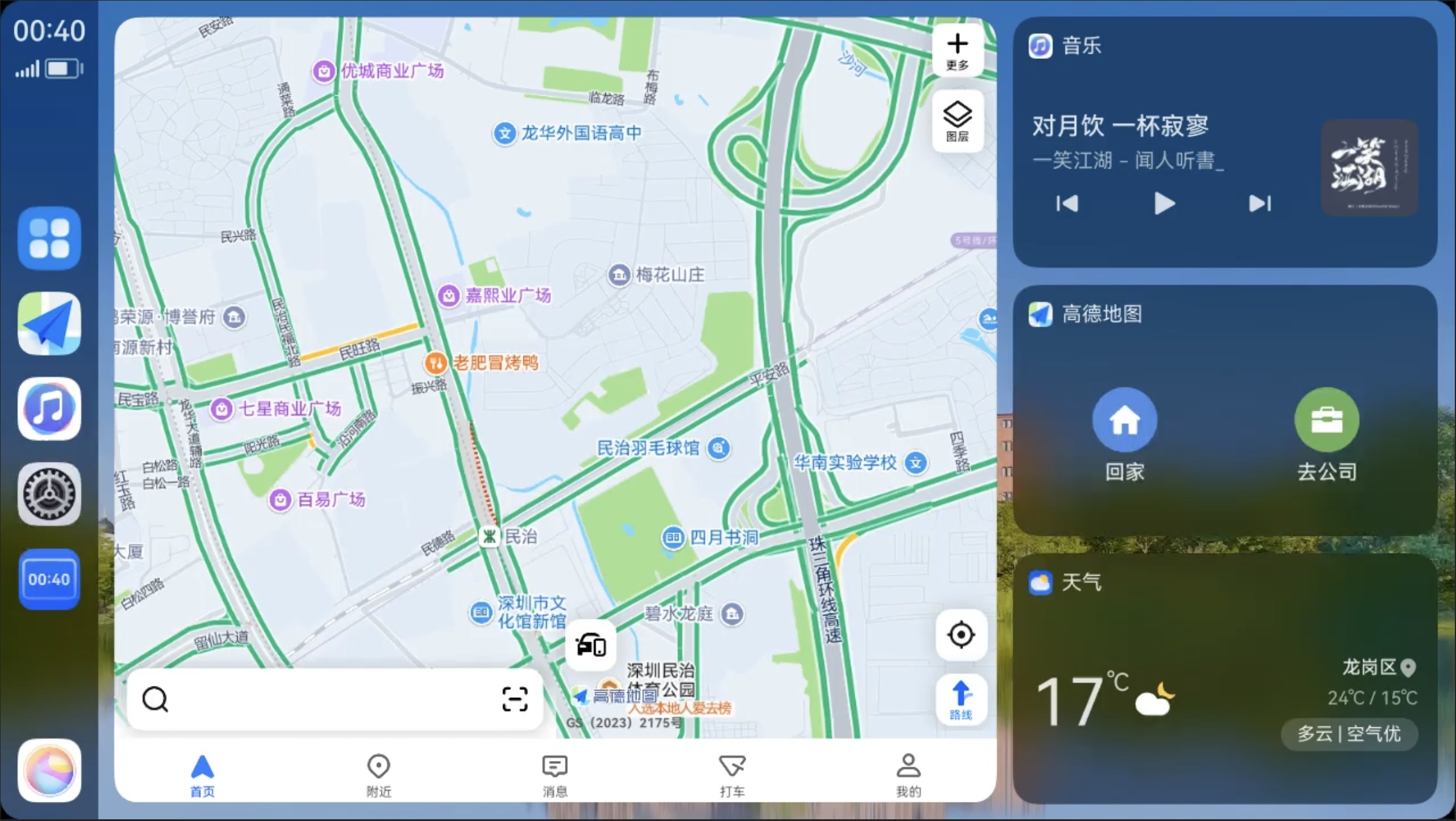
In the Smart Desktop layout, the map card is more prominent and can display more detailed map information directly in the card. You can scroll up and down in the other card areas to view more cards.
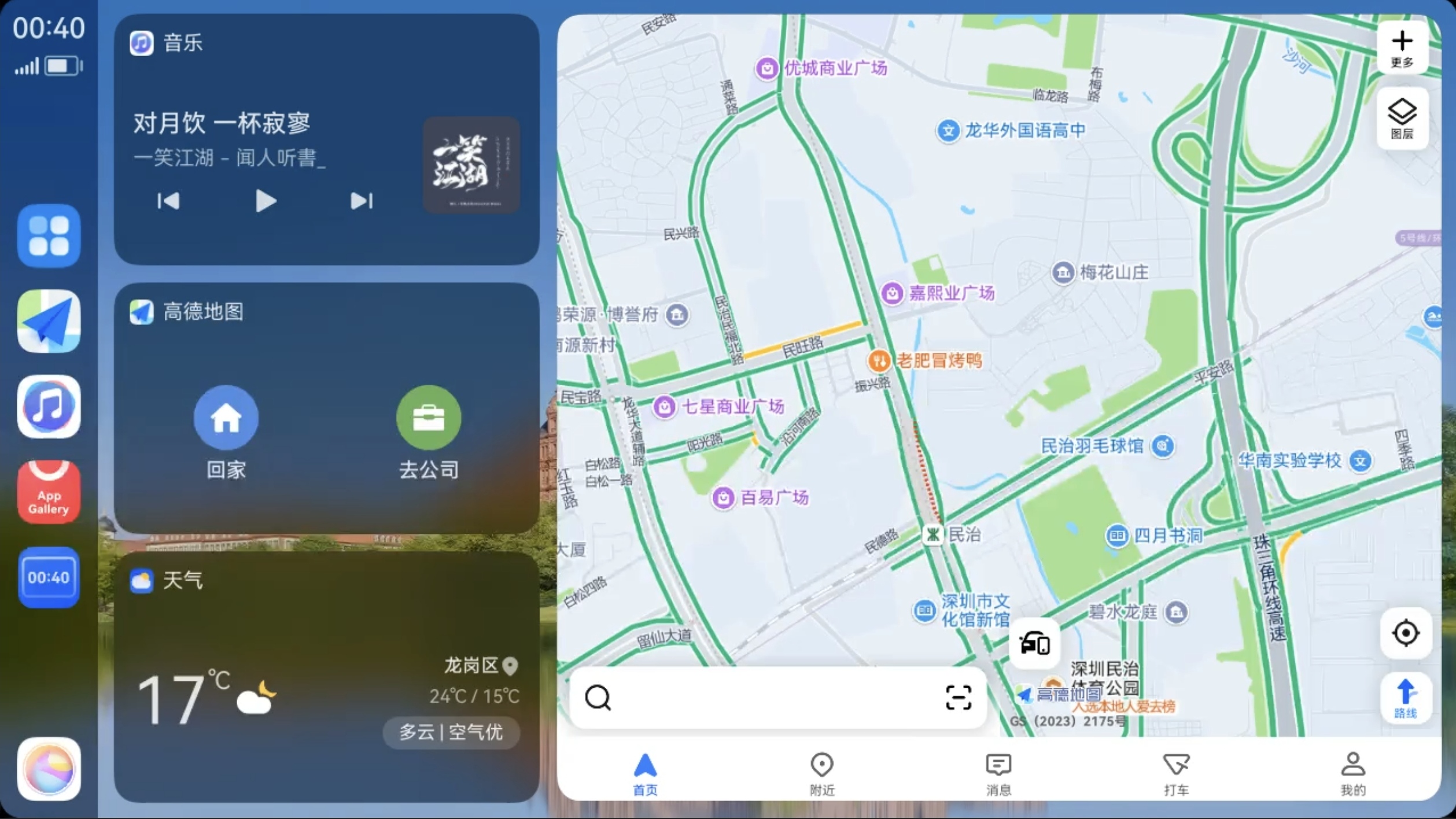
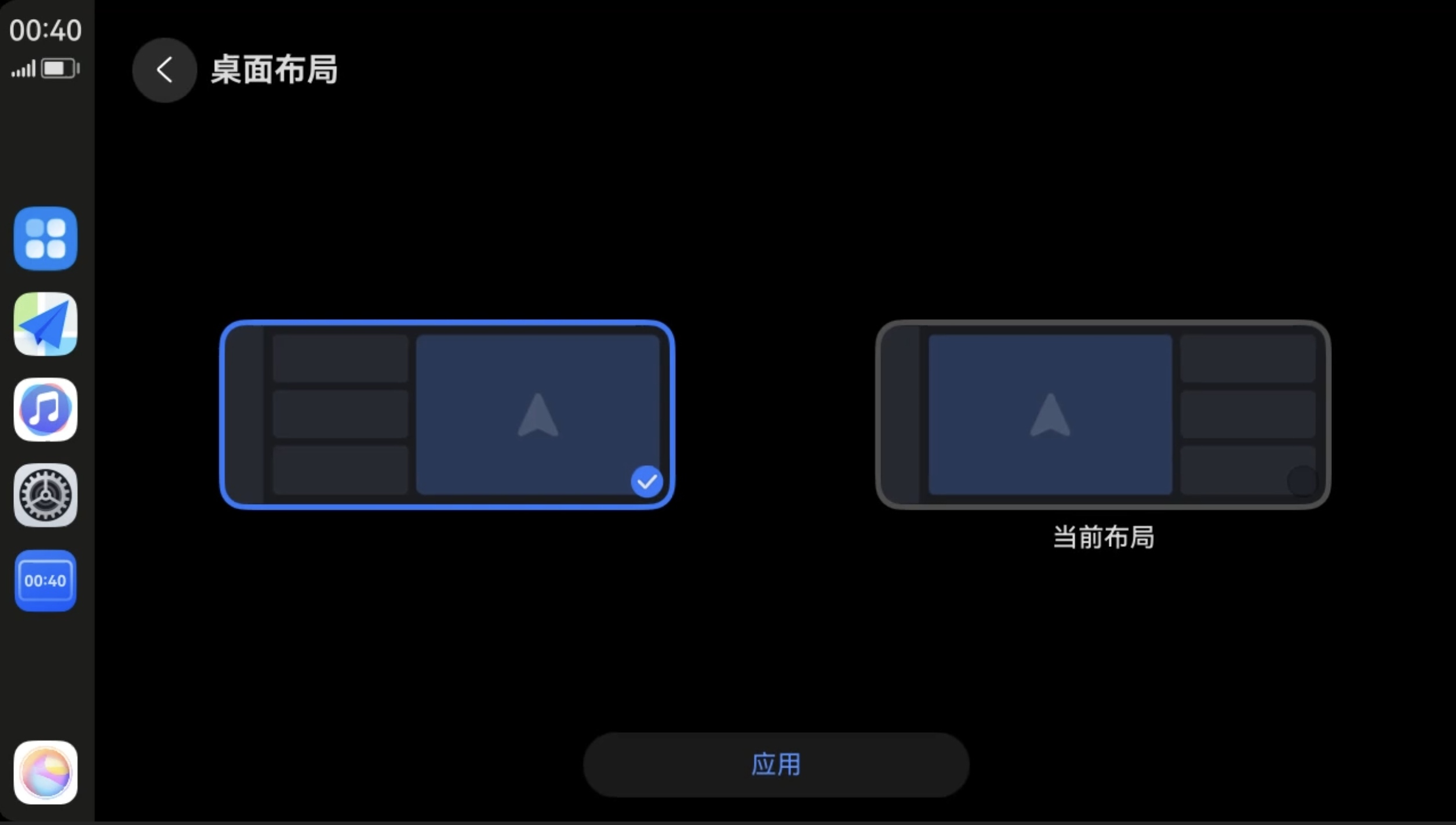
You can set the left or right display position of the map card according to your preference.
Switch Desktop Layout
You can select your preferred layout in "Settings > Desktop Layout". It will take effect immediately after applying.