Display Mode
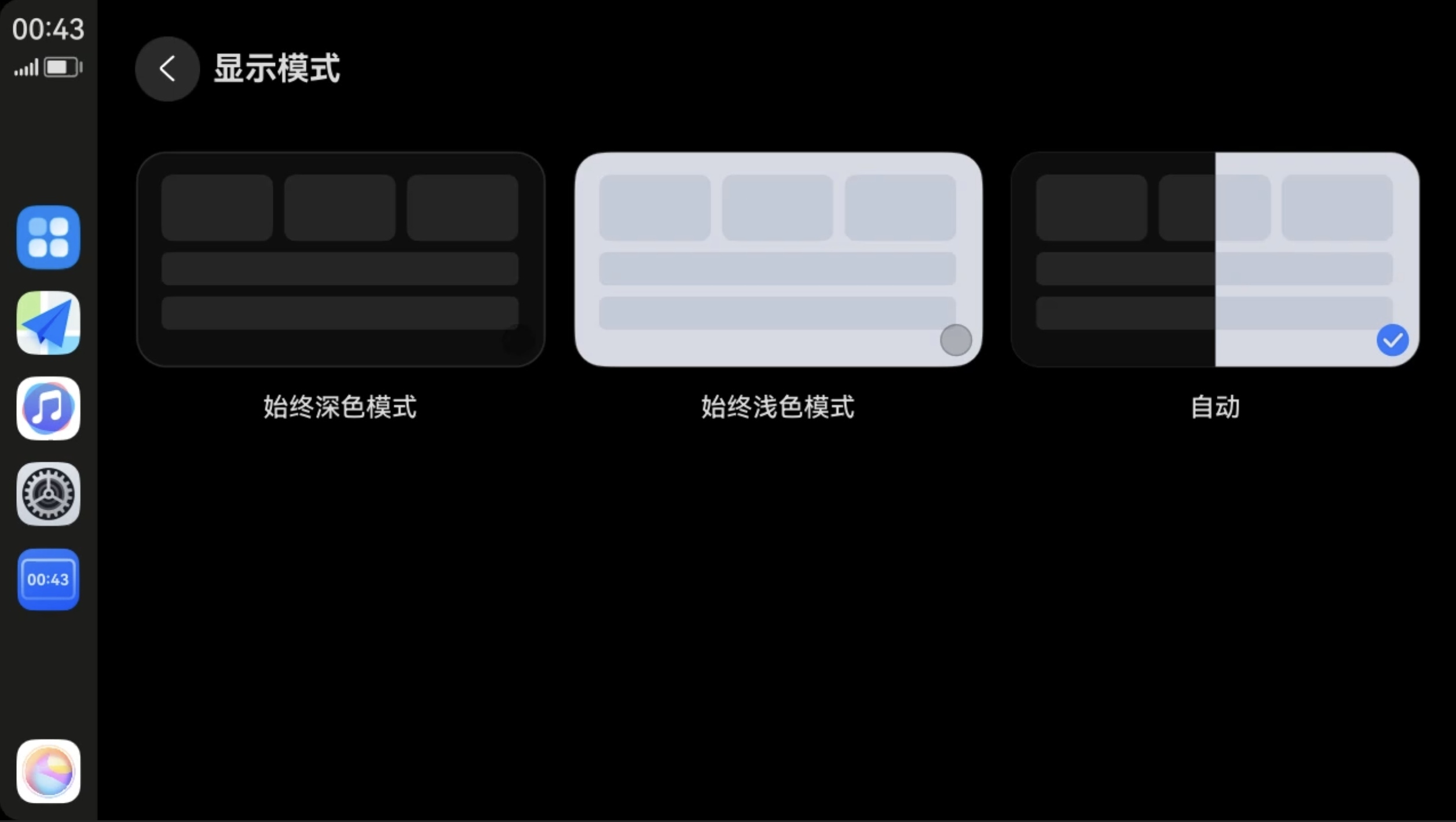
Next HiCar supports setting light/dark mode. After successfully connecting to Next HiCar, you can select the display mode in "Settings > Desktop > Display Mode":
- Always Dark Mode: The display mode is fixed to dark mode.
- Always Light Mode: The display mode is fixed to light mode.
- Auto: HiCar automatically switches the display mode based on vehicle sensor data, local sunrise and sunset times, etc.
Settings path: "Settings > Desktop > Display Mode"
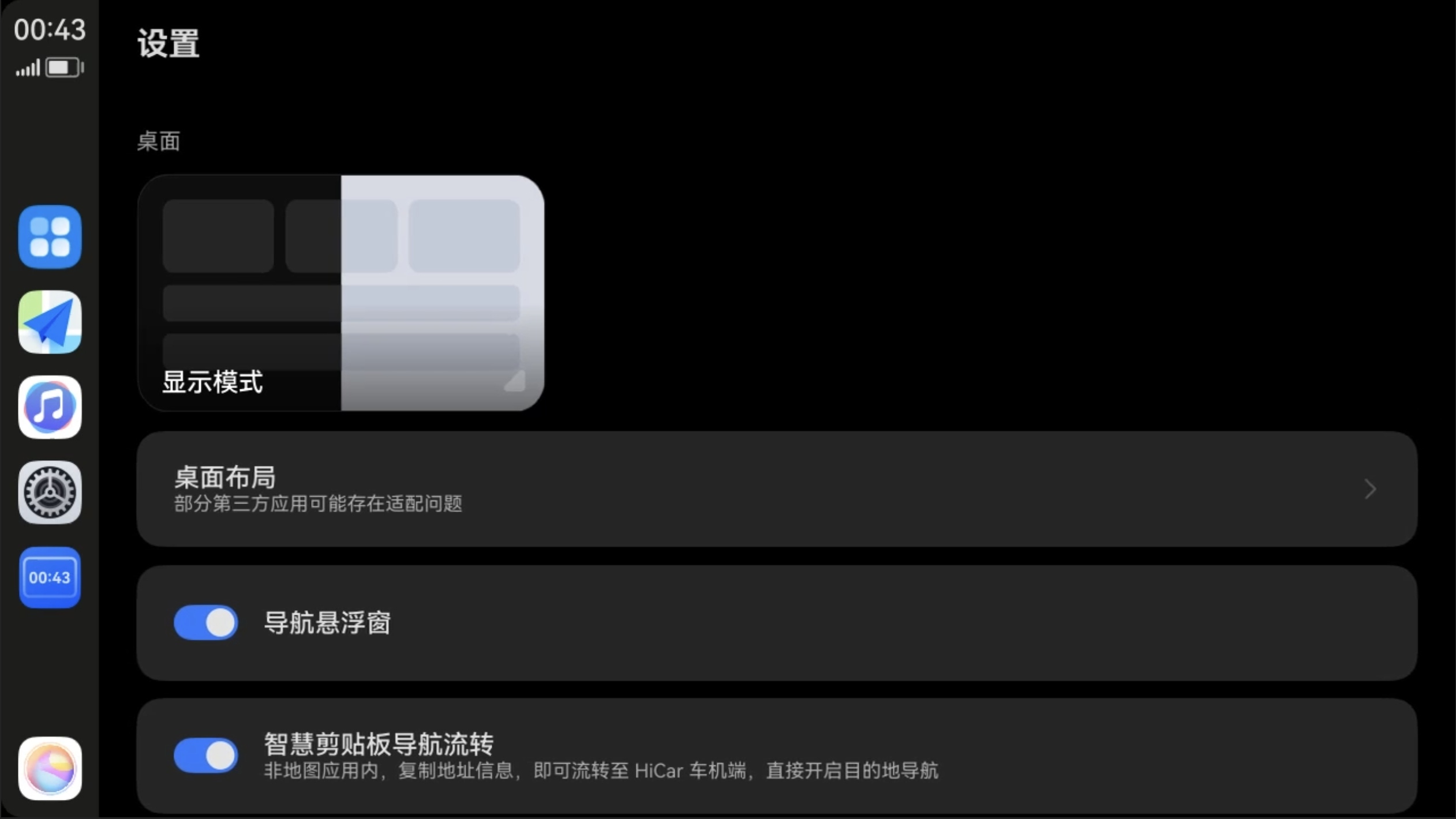
You can set it according to your personal preference. We recommend trying the "Auto" mode.