Disconnect
Next HiCar is a software solution that connects your phone and vehicle head unit. When you need to disconnect, there are naturally two ways:
- Disconnect from the phone side
- Disconnect from the vehicle side
Steps to Disconnect from Phone Side
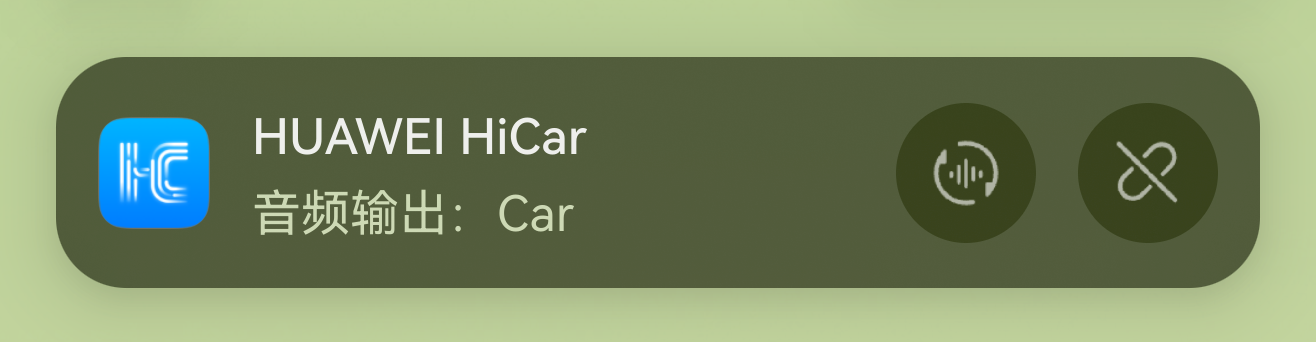
After successfully connecting to Next HiCar, tap the live window.

In the banner notification that appears, tap the button on the far right to disconnect Next HiCar.
Steps to Disconnect from Vehicle Side
Different vehicle models or box solutions may have different ways to disconnect HiCar from the vehicle side.
You can try disconnecting HiCar on the vehicle side on your own. Common methods include:
If the original car supports HiCar, look for HiCar connection management-related menus or functions.
If using a box solution, look for CarPlay or CarLife connection management-related menus or functions.
Of course, you can also directly disconnect HiCar from the vehicle side by turning off the ignition (cutting power).
Since some vehicles do not immediately cut power to the head unit after turning off the ignition, you may not be able to disconnect HiCar immediately. That's fine — once the head unit powers down, HiCar will disconnect naturally.