Return to Car Interface
After successfully connecting to Next HiCar, it will provide services in full-screen mode. When you need to return to the vehicle system interface, you can first tap the first icon at the top of the DOCK area to switch to the app desktop, then tap your vehicle model's icon to return to the vehicle system interface.
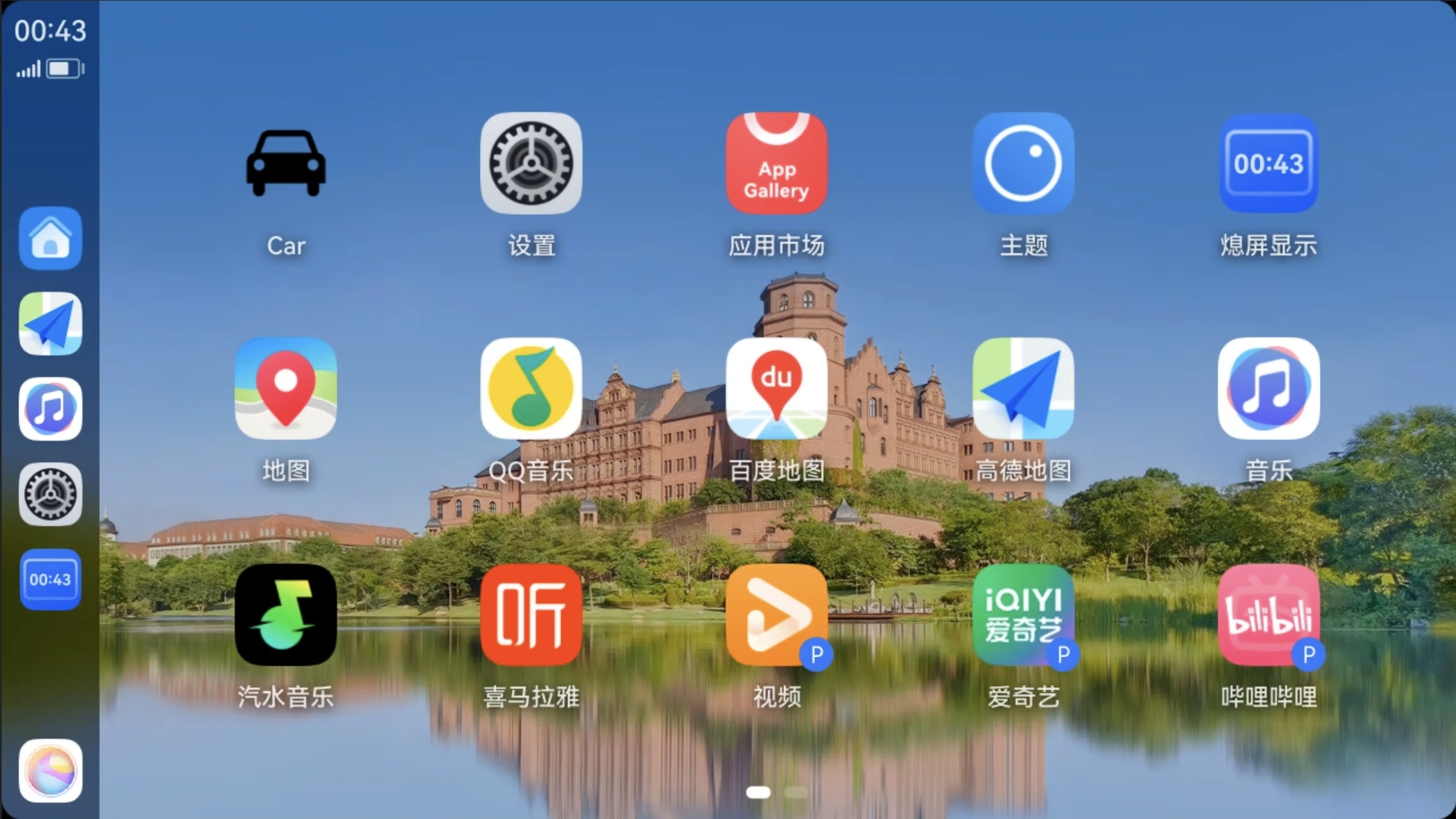
If your vehicle model has physical buttons, you can also quickly return to the vehicle system interface by using those buttons.
If your vehicle model does not display Next HiCar in full-screen mode, you can also use other original vehicle-related menus or buttons in the interface to return to the vehicle system interface.