Obtaining Apps
App Types
Currently, the main categories of apps that support Next HiCar include:
- Maps: including commonly used online maps
- Audio: including music, audiobooks, children's stories, news
- Parking Entertainment: including video, games
- System Apps: including calling, calendar, weather, app market, etc.
Apps that support Next HiCar are all phone apps — they are downloaded, installed, and run on the phone, without affecting the vehicle system's storage or performance. However, the installation entry point for apps can be divided into the following two types.
Installing from the Vehicle-Side App Market
The vehicle-side app market mentioned here refers to the app market displayed on the Next HiCar app desktop after a successful Next HiCar connection — it is not an app market software that needs to be installed into the vehicle system.
After Next HiCar connects successfully, tap the first icon at the top of the DOCK area to switch to the app desktop.
Tap the app market to directly install or update apps that support Next HiCar.
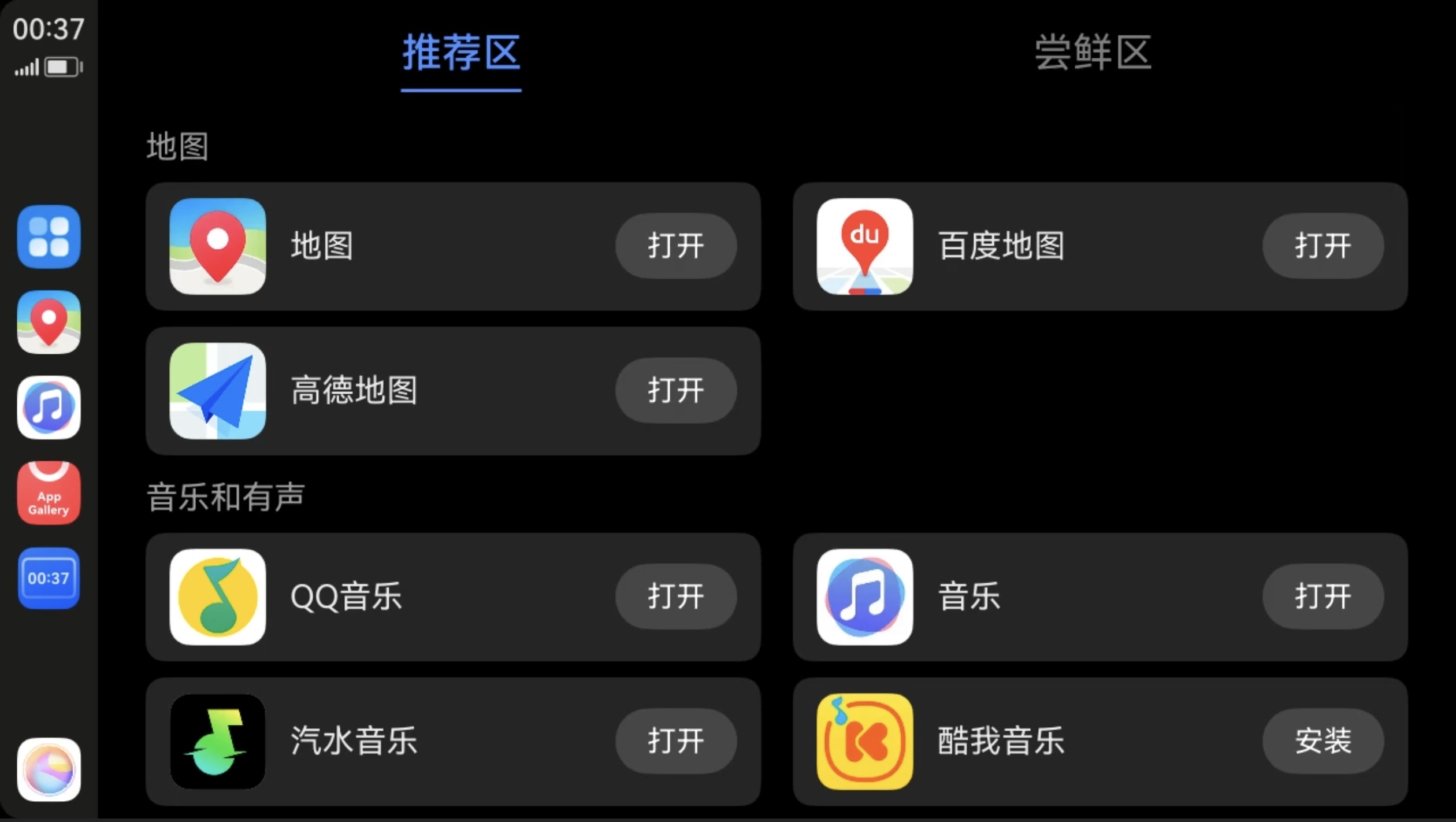
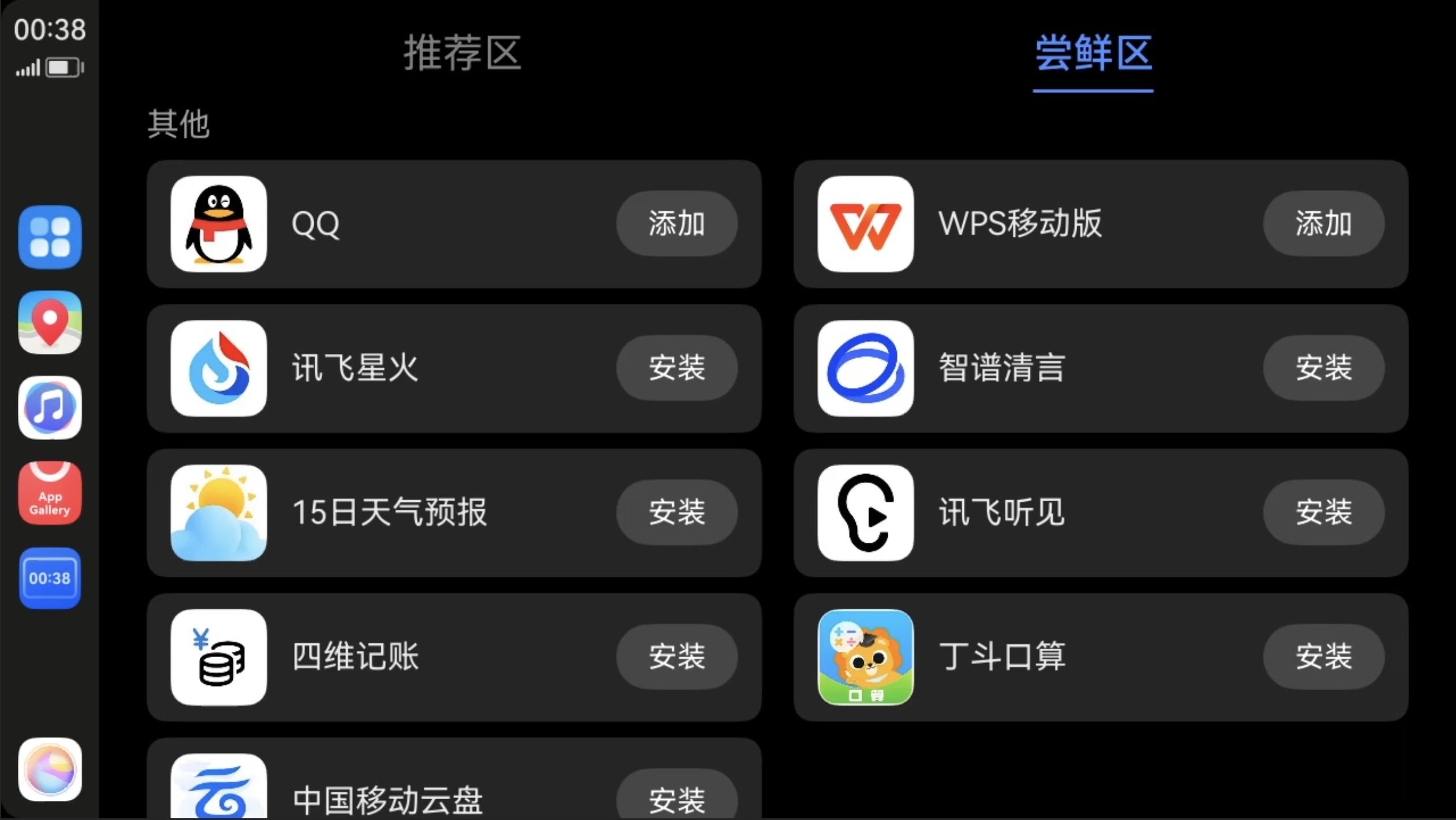
Installing from the Phone-Side App Market
If you already know which apps support Next HiCar, you can search for and install them directly from the app market on your phone.
You can check which apps support Next HiCar on the official website: Query Link.