Desktop Wallpaper
Preset Wallpapers
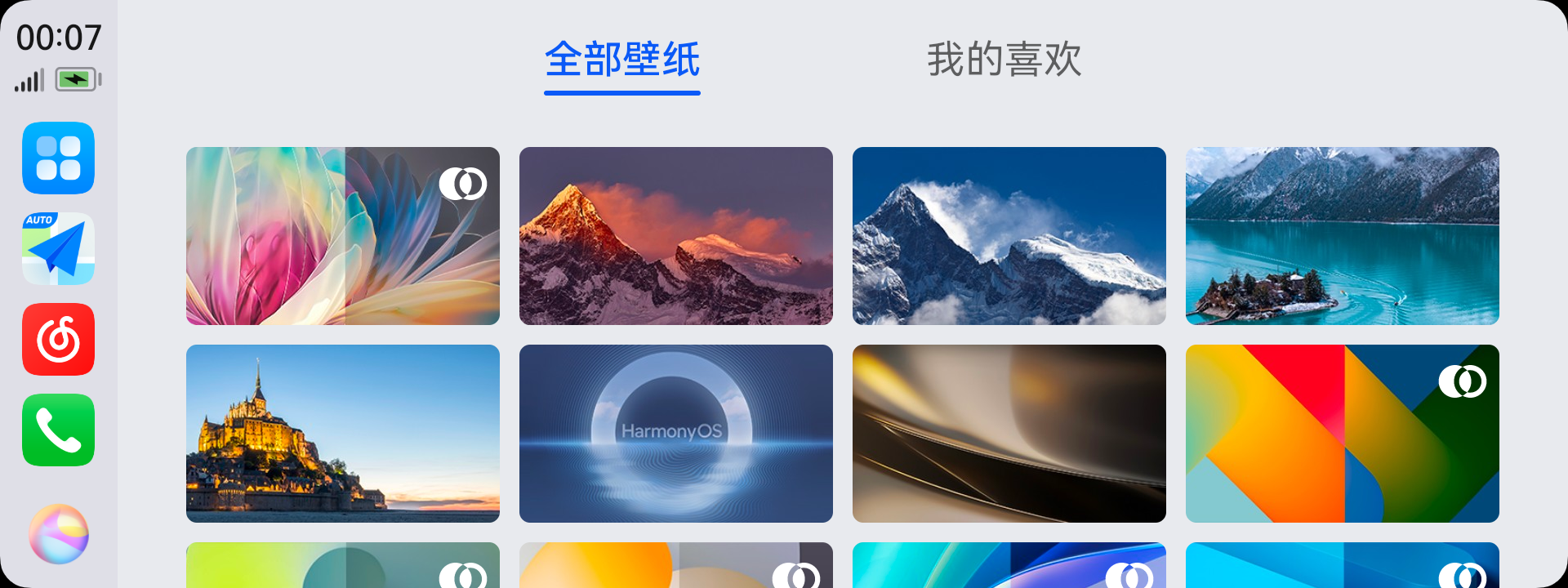
HiCar supports changing the desktop wallpaper. After connecting HiCar, tap the first icon at the top of the Dock area to switch to the app desktop, then enter "Wallpaper" to choose the wallpaper you like.
Wallpapers support previewing before applying:
Preview: Tap a wallpaper thumbnail to enlarge it. Tap the wallpaper again to preview its actual display effect. Tap again to exit preview.
Apply: After selecting a wallpaper, tap "Apply" to set it as the desktop wallpaper.
Favorites: While browsing wallpapers, you can also favorite the ones you like. Later, you can view all favorited wallpapers in the "My Favorites" tab.
Some wallpapers support light/dark mode and will automatically switch to the corresponding mode's wallpaper based on HiCar's light/dark mode setting.
Custom Wallpapers
Starting from version 14.2.0.146, HiCar supports custom wallpapers.
Enter the "Wallpaper" app, then tap "Select from Gallery" to choose an image and set it as your wallpaper.
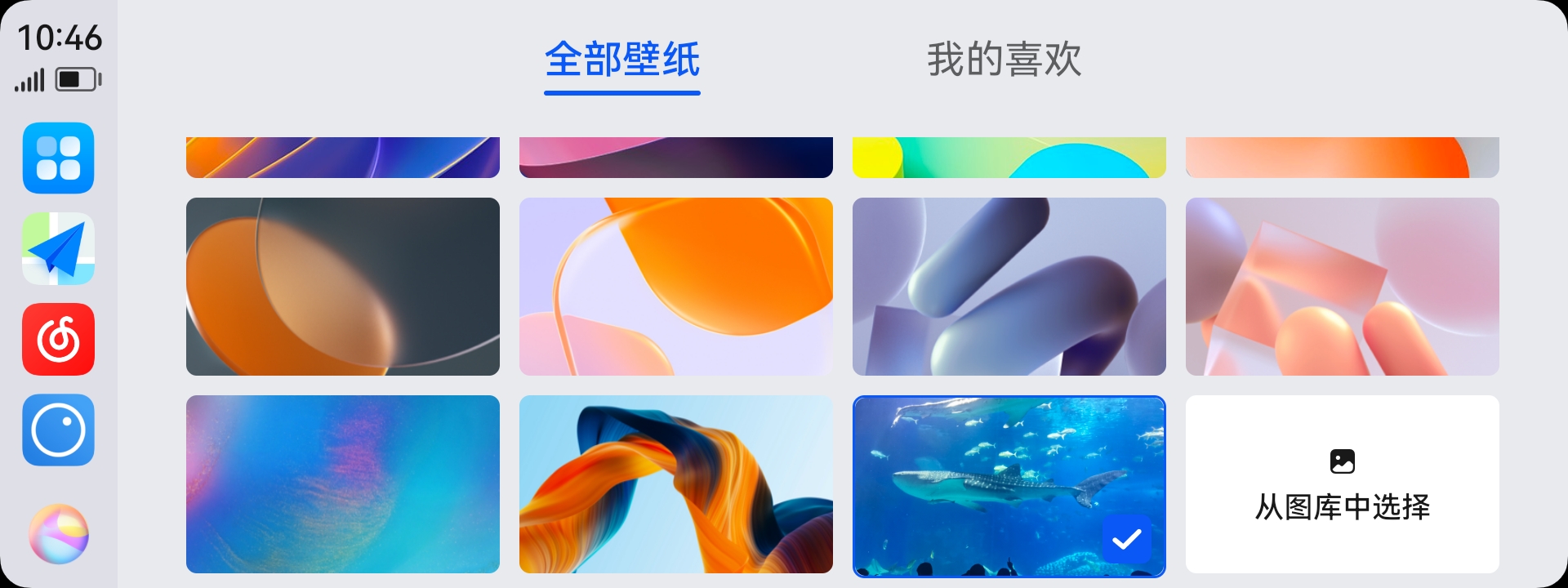
After multiple selections, the last chosen image will be retained as a wallpaper option for quick use next time.