Dock Area
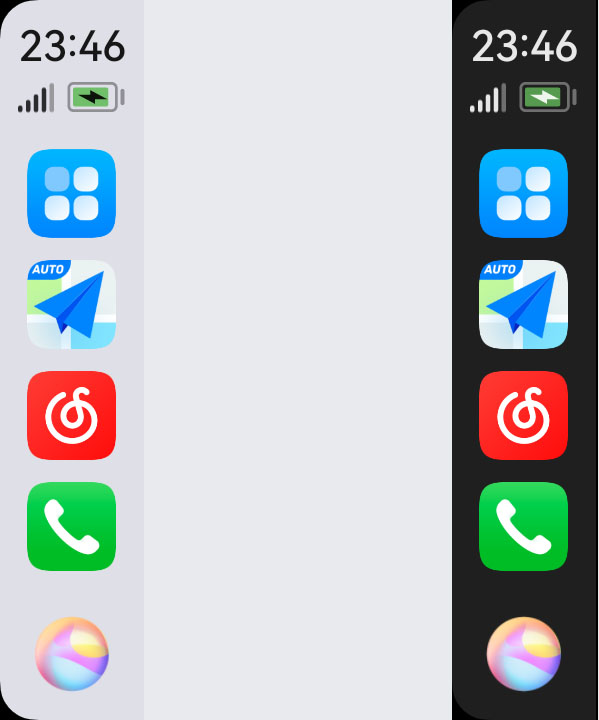
The HiCar Dock area provides system information display and shortcut buttons for core functions, including:
- Time/Signal/Battery: Displays the corresponding information; not clickable.
- Apps/Home: Tap to switch between the app icon page and the home screen.
- Navigation: Tap to switch to the current map app; tap again to pop up a list of map apps for quick switching between different map apps.
- Audio: Tap to switch to the current audio app; tap again to pop up a list of audio apps for quick switching between different audio apps.
- Calls: Tap to switch to the calling app.
- Voice Ball: Tap to wake up Celia for voice control.
tip
- Starting from HiCar version 13.2.0.425, the call icon has been removed from the Dock area and replaced with the most recently used app icon.
- When playing long videos, the Dock area automatically hides.
- You can swipe up and down in the Dock area to quickly switch between app icons.