Display Mode
HiCar supports light/dark mode settings. After connecting HiCar, you can go to "Settings > Display > Display Mode" to select your preferred display mode:
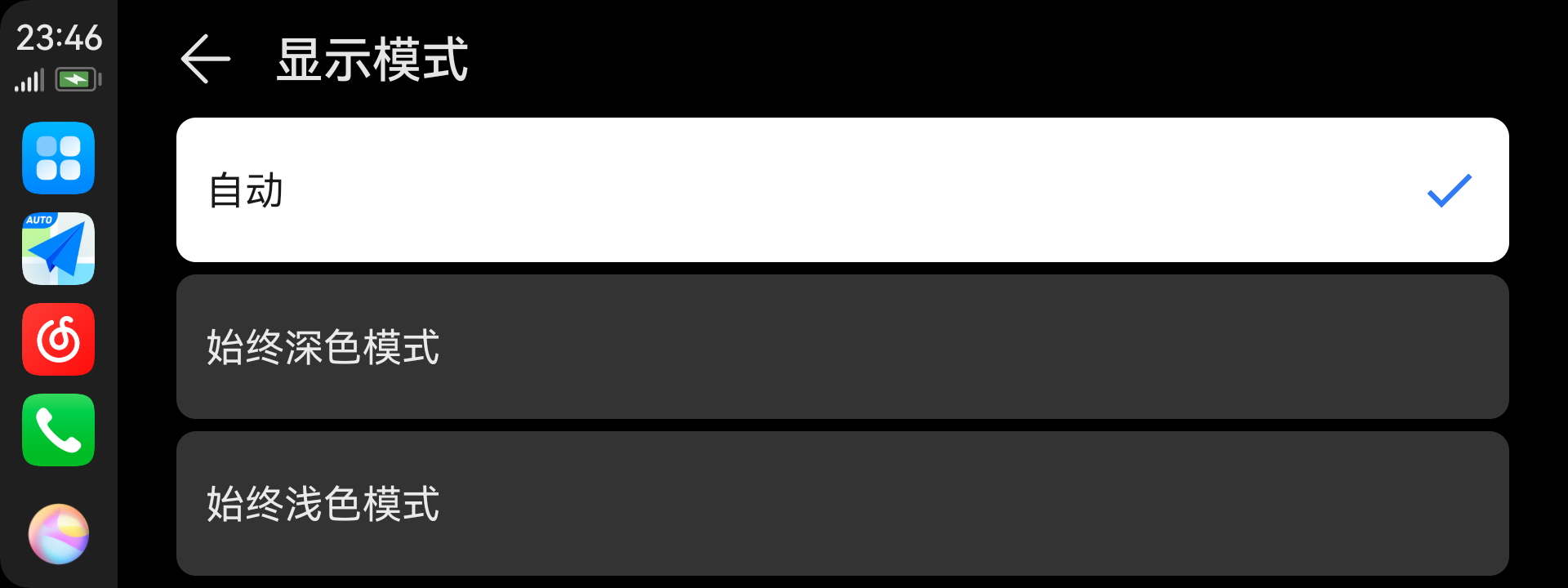
- Auto: HiCar automatically switches the display mode based on vehicle sensor data, local sunrise/sunset times, etc.
- Always Dark Mode: The display mode is fixed to dark mode.
- Always Light Mode: The display mode is fixed to light mode. (Removed starting from version 13.2.0.430)
Settings path: "Settings > Display > Display Mode"
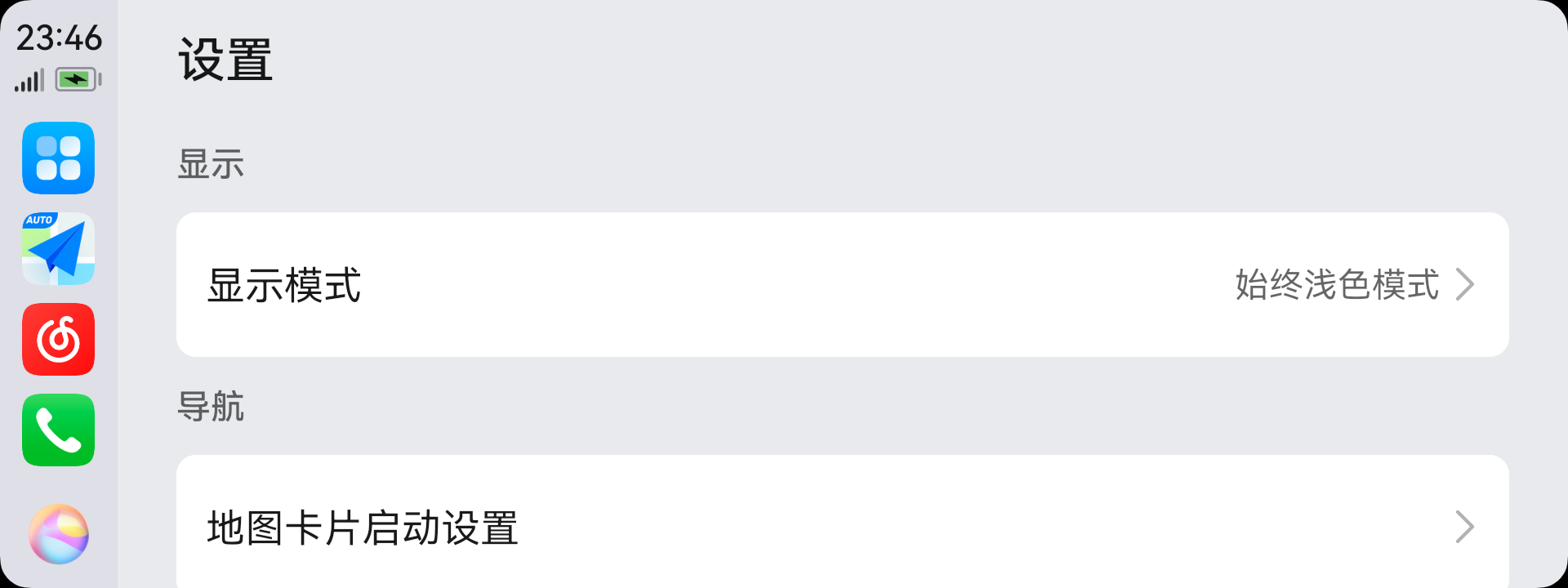
You can set it according to your personal preference.
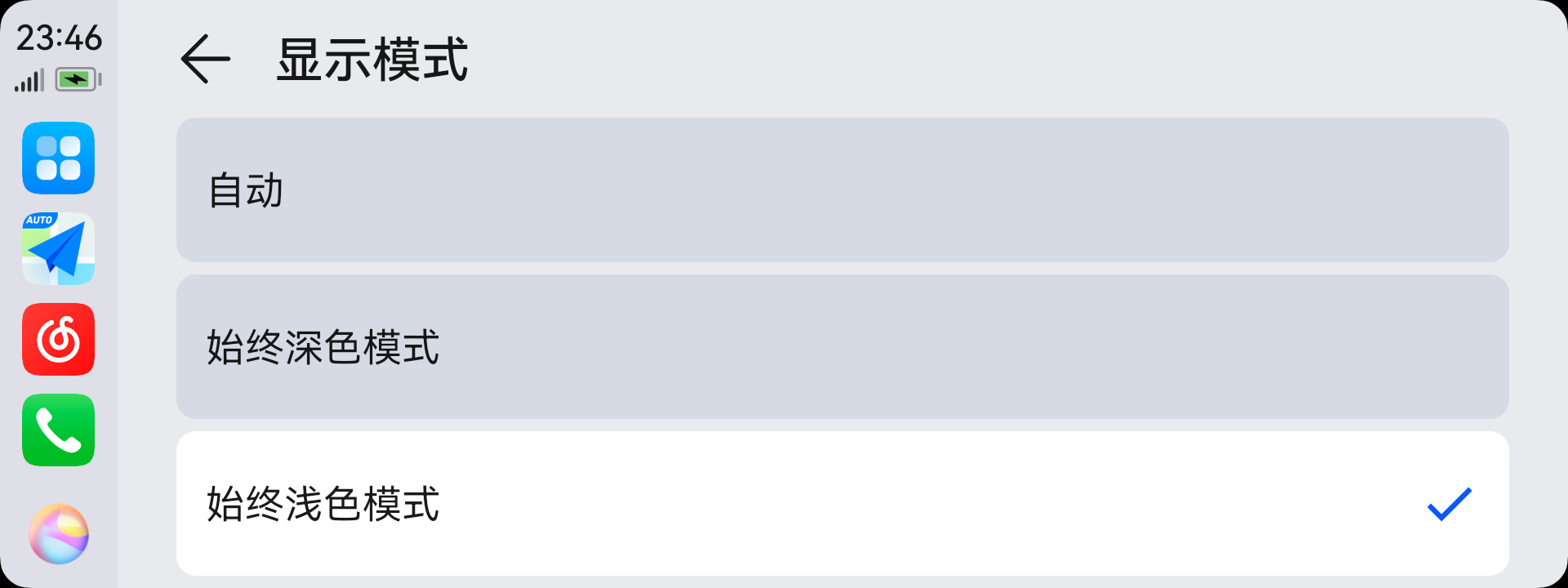
We recommend trying the "Auto" mode.
info
Starting from version 13.2.0.430, HiCar removed the Always Light Mode option, leaving only Auto and Always Dark Mode.