Always-On Display
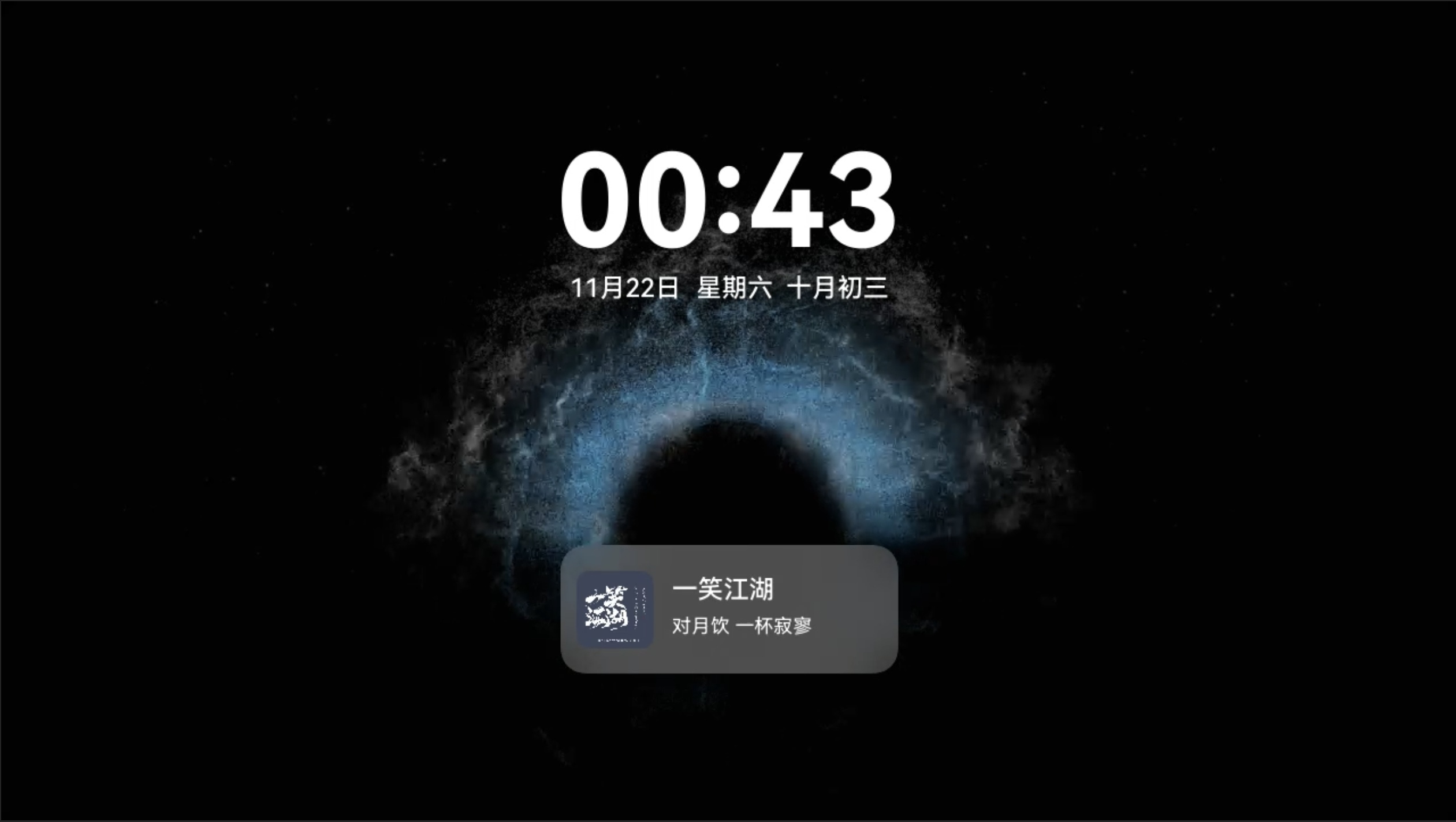
HiCar supports an always-on display that shows a simple date and time on the head unit screen.
tip
The always-on display feature is supported starting from version 14.2.0.350.
Entering/Exiting Always-On Display
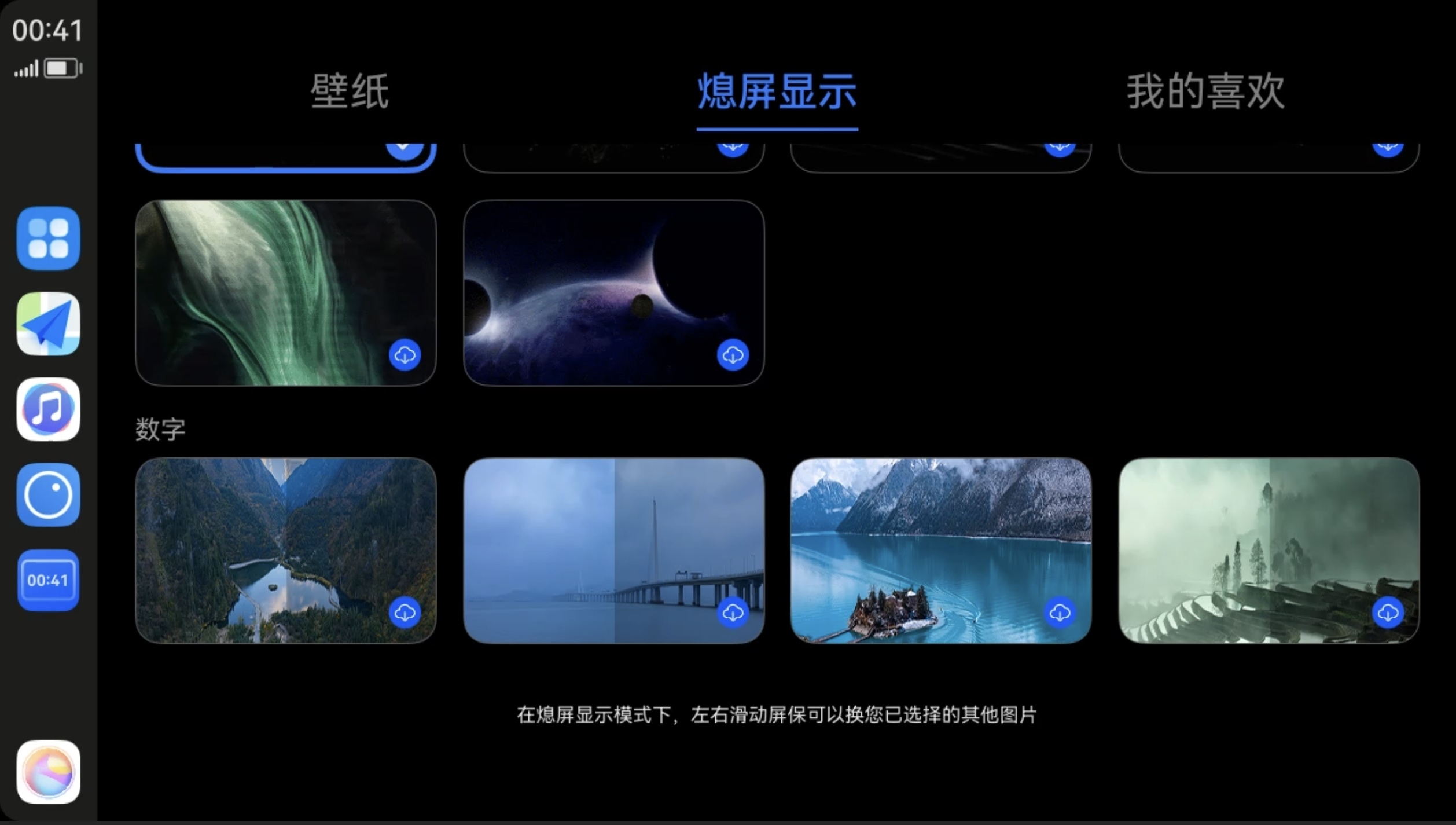
After connecting HiCar, tap the "Always-On Display" icon in the Dock area to enter always-on display mode. Tap it again to exit always-on display mode.
Changing Always-On Display Wallpaper
HiCar supports changing the always-on display wallpaper. After connecting HiCar, tap the first icon at the top of the Dock area to switch to the app desktop, then enter "Themes" and switch to the "Always-On Display" tab. You can select the interface style for the always-on display.