Integration with HiCar
Driving Mode can be seen as HiCar that works without connecting to the vehicle's infotainment system. Once connected to the vehicle, it can also serve as a HiCar remote control, providing HiCar screenshot and phone-linked navigation features.
Relationship Between Driving Mode and HiCar
Driving Mode is part of HiCar:
- When not connected to the vehicle, it provides driving services for users who use a phone mount.
- When the phone is connected to the vehicle, it acts as a HiCar remote control to enhance the HiCar experience.
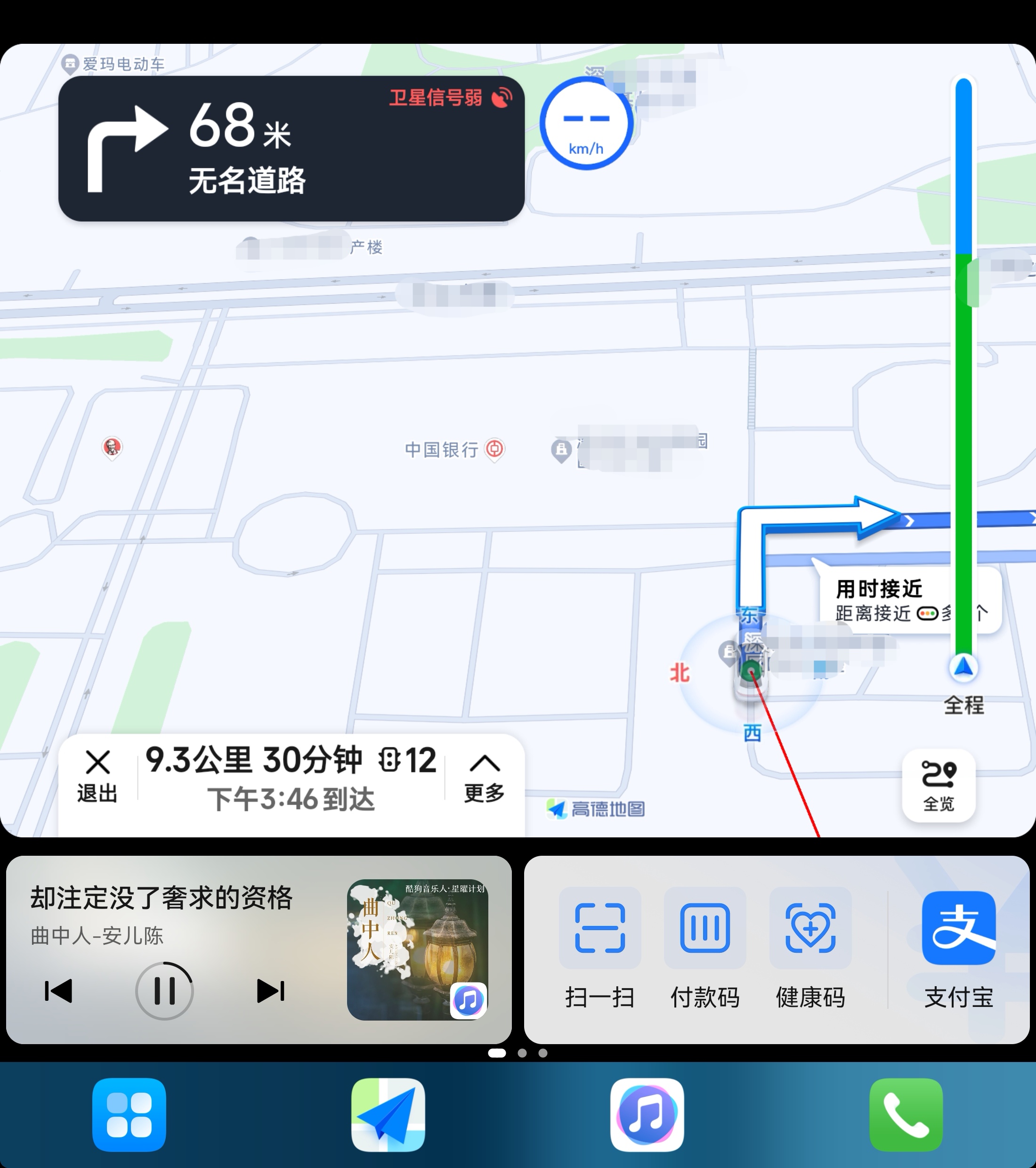
On foldable phones, Driving Mode is basically consistent with the portrait version of HiCar.
HiCar Screenshot and Phone-Linked Navigation
After the phone connects to HiCar, Driving Mode automatically turns into a HiCar remote control, providing HiCar screenshot and phone-linked navigation features.
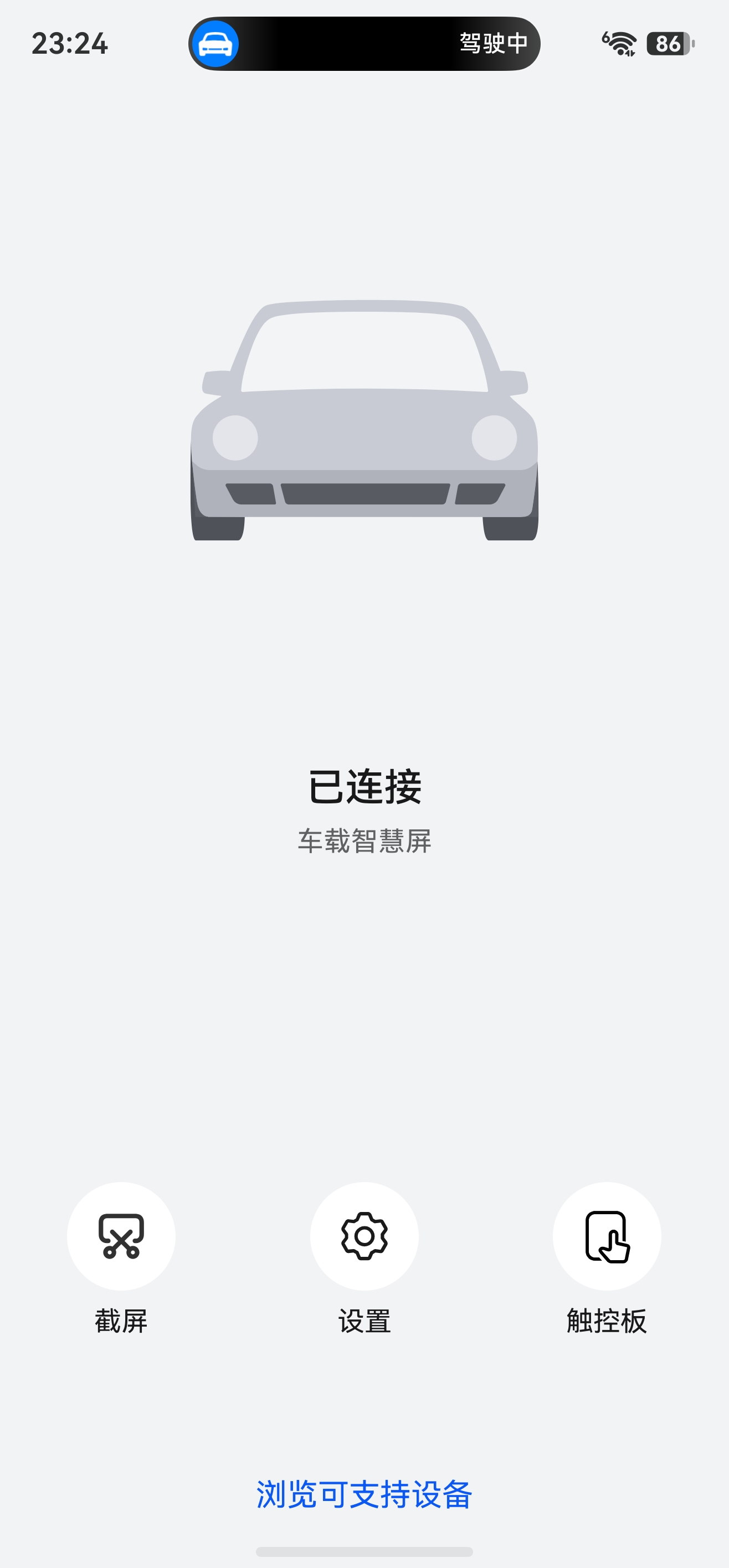
Screenshot: Tap to instantly capture the current HiCar interface and save it to your phone's photo album.
Settings: Opens the HiCar connection settings. This is the same screen you reach via "Settings > Multi-Device Collaboration > HUAWEI HiCar".
Touchpad: Control HiCar directly from the phone screen — especially useful for vehicles whose head units do not support touch input.