Exiting Driving Mode
There are two ways to exit Driving Mode:
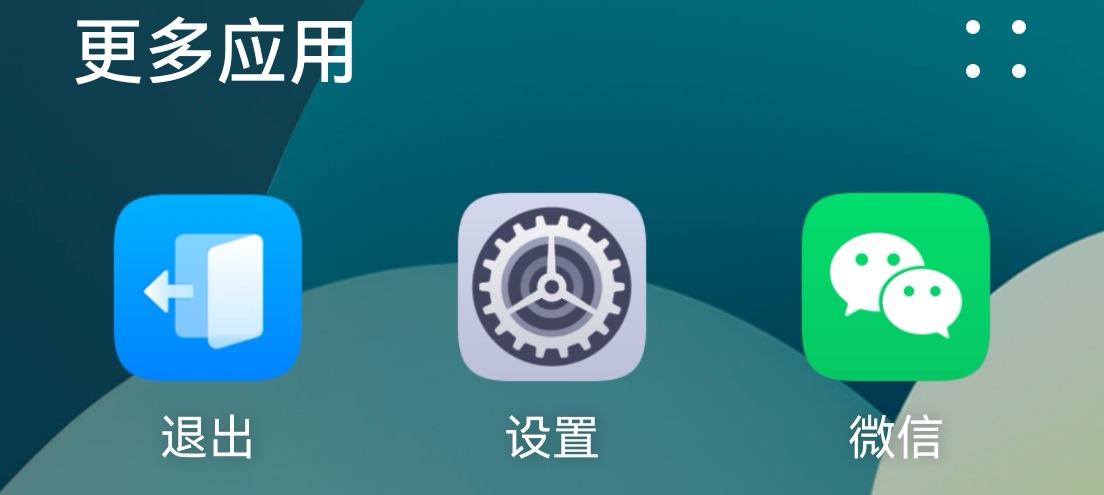
Method 1: Tap the first icon in the DOCK area to open the app list, then select the first icon, "Exit".
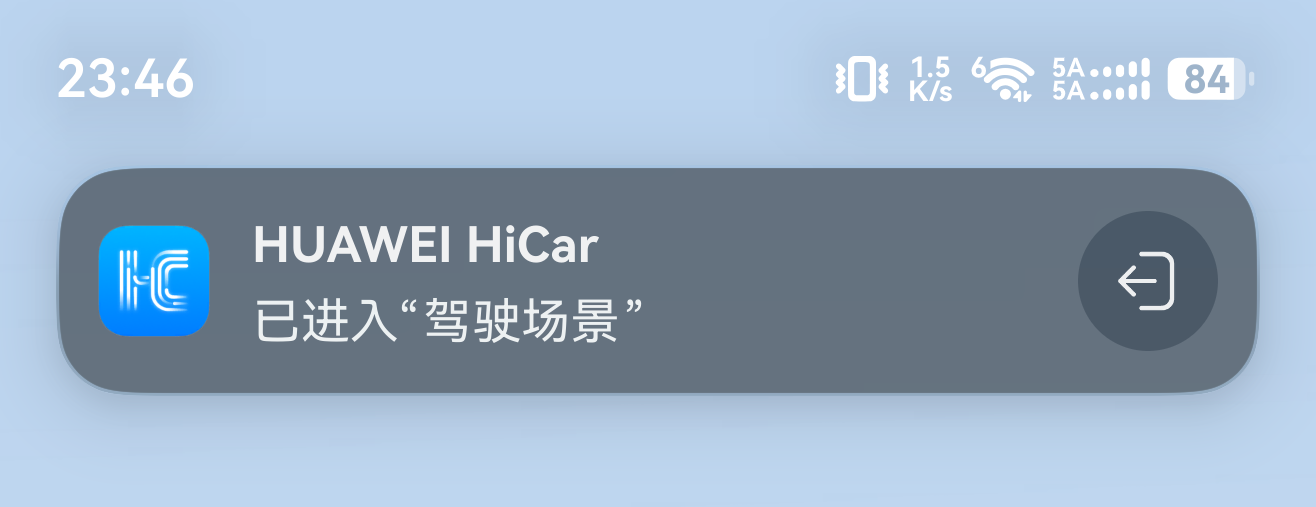
Method 2: Tap the HiCar Live Window at the top, then tap the "Exit" icon in the "Driving mode entered" notification banner.