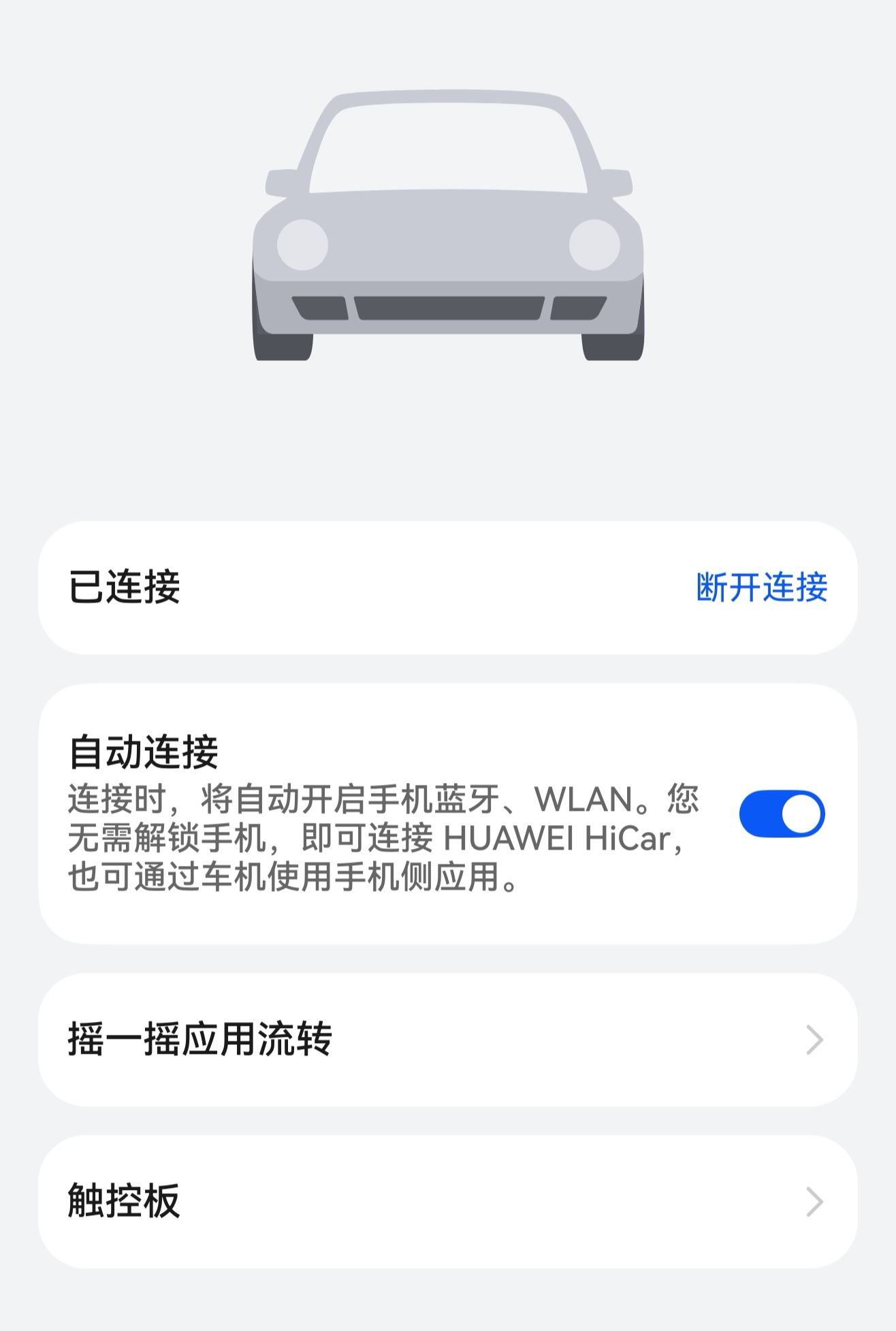
Auto Connect
Next HiCar's auto-connect feature means that after the first time you use Next HiCar, you don't need to perform any active connection steps. When you get into your car, your phone will automatically complete the HiCar connection with the head unit without you even noticing.
Connection Notes
To enable Next HiCar's auto-connect, the HiCar auto-connect interface must be implemented when the device (such as an original car system or connectivity box) integrates the HiCar solution. This allows automatic connection after the first HiCar connection.
Therefore, if your vehicle or box solution lacks this interface during implementation, you will typically need to connect manually every time you use HiCar.
Steps
During the connection process, if you choose to allow auto-connect for Next HiCar, then on subsequent uses, as long as your phone's Bluetooth is on or a USB cable is connected, HiCar will connect automatically when you start the vehicle — no need to manually connect each time.
You can later change whether auto-connect is allowed by following these steps:
After HiCar connects successfully, tap the live window and then tap the Next HiCar banner notification.

Turn the "Auto Connect" switch on or off as desired.