Check Vehicle
If your phone is confirmed to support Next HiCar, you can then check whether your vehicle supports HiCar.
Vehicle HiCar support does not distinguish between Classic HiCar and Next HiCar. In other words, vehicles that previously supported HiCar can be connected using a phone that supports Next HiCar.
First, it's important to clarify that there are many ways to use HiCar in your car. You can choose the method that best suits your situation.
1. Check If Your Vehicle Natively Supports HiCar
Applicable Scenarios
Suitable for newer models whose infotainment systems come with HiCar functionality pre-installed from the factory, allowing direct HiCar connection.
How to Check
After starting your vehicle, look for HUAWEI HiCar-related menus or buttons in your infotainment system, usually found under the connectivity or multimedia submenus.
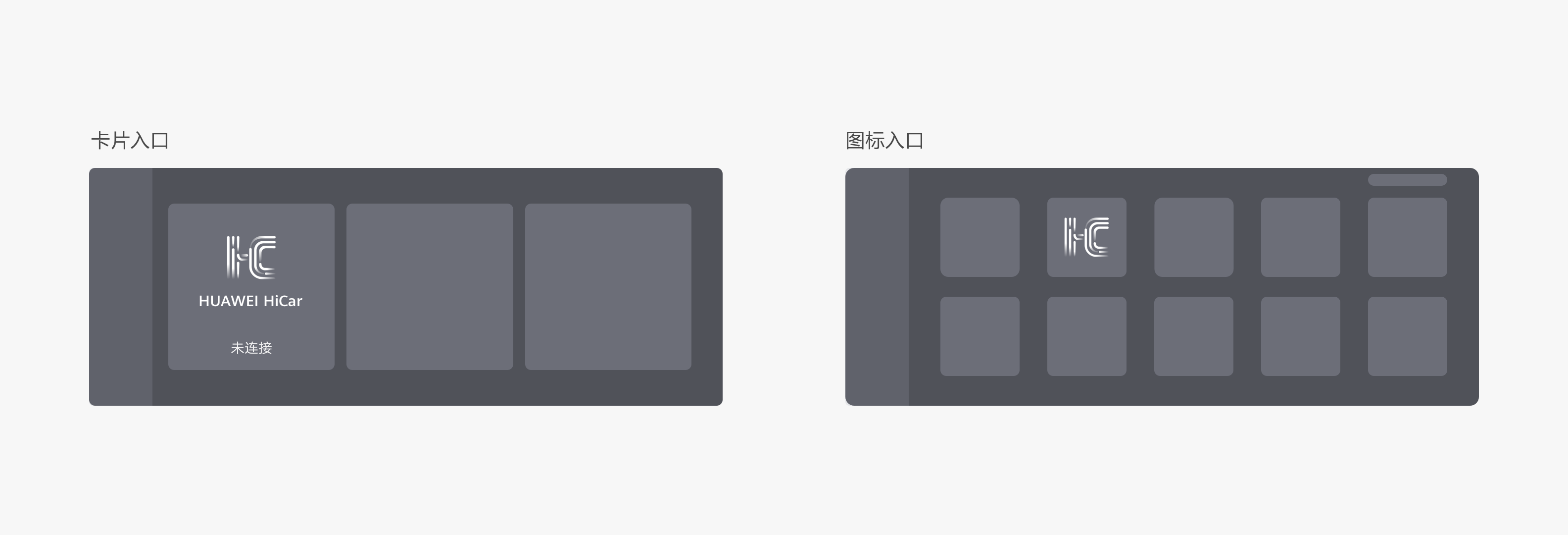
Alternatively, visit the link below to check the specific HiCar-supported models and see if your vehicle is listed: Huawei Developer Alliance - HiCar Supported Models.
2. Check If Your Vehicle Supports CarPlay or CarLife
Applicable Scenarios
Suitable for vehicles that do not natively support HiCar but do support Apple CarPlay or Baidu CarLife. Third-party conversion boxes are now available that can use the CarPlay or CarLife channel to enable HiCar on vehicles that originally do not support it.
This scenario only applies if your vehicle supports wired CarPlay or wired CarLife. For example, if your vehicle only supports wireless CarPlay — such as some BMW models — you cannot use HiCar through a conversion box.
How to Check
After starting your vehicle, look for CarPlay or CarLife-related menus or buttons in your infotainment system, usually found under the connectivity or multimedia submenus.
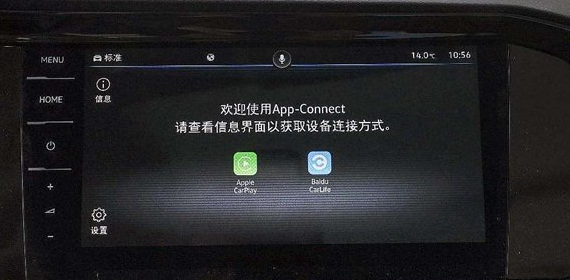
Alternatively, visit the links below to check specific CarPlay and CarLife models and see your vehicle's support status.
If your vehicle supports wired CarPlay or CarLife, you can search on shopping websites for "your vehicle model + HiCar" to find suitable conversion box products.
In the future, if time permits, this site will also list some common conversion box products for your reference — stay tuned.
If your vehicle supports both CarPlay and CarLife, it is recommended to choose a CarPlay-to-HiCar conversion product.
3. Check If Your Vehicle's Dashboard Top Is Flat
Applicable Scenarios
If your vehicle neither supports native HiCar nor can use a conversion box due to lack of CarPlay/CarLife support, don't worry — there are other ways to use HiCar.
Vehicles with a flat dashboard top can use products like a vehicle smart screen, where a small screen is attached to the dashboard for HiCar connectivity.
How to Check
Check the shape and material of your vehicle's dashboard top as illustrated below.
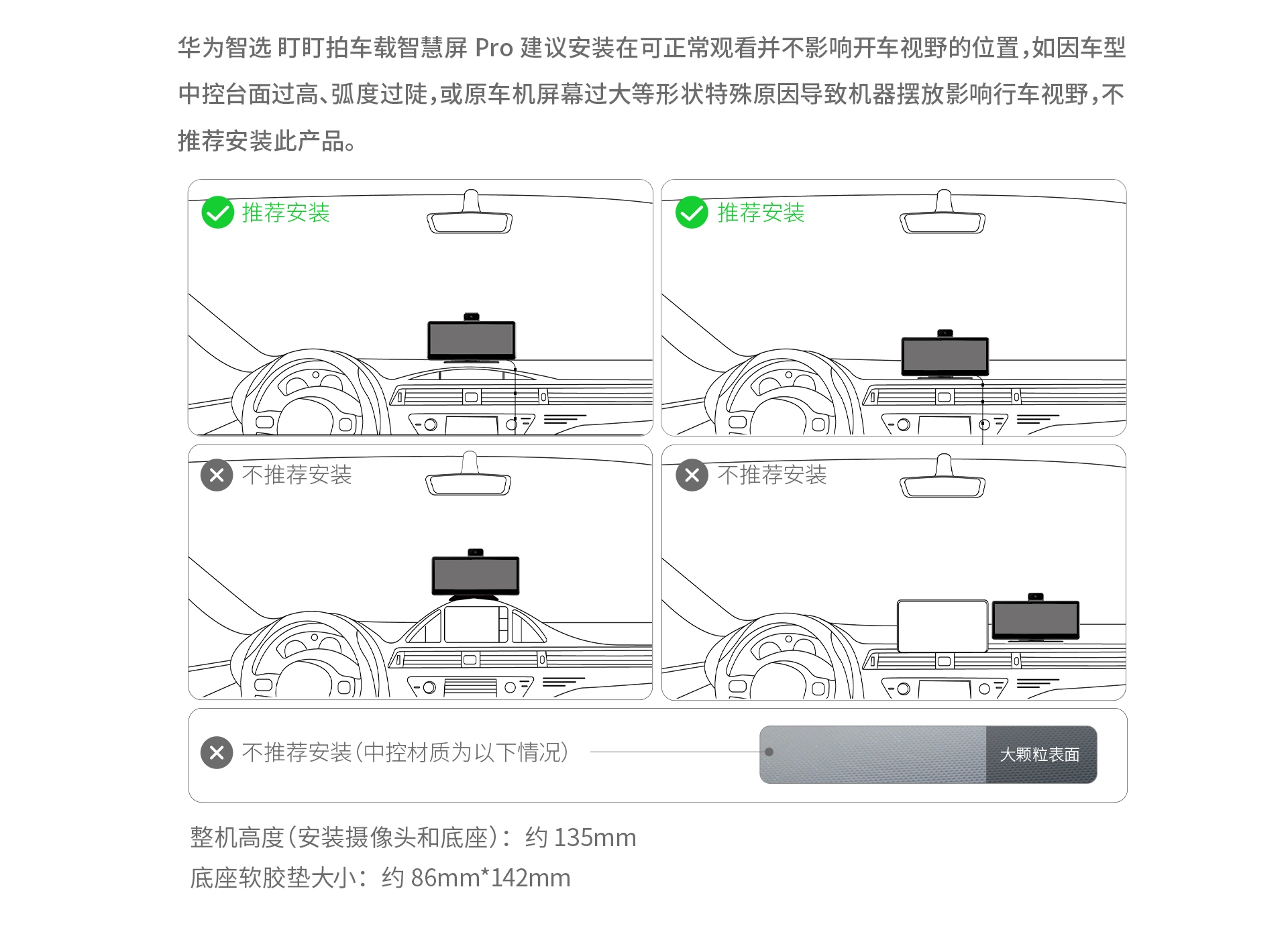
4. Check If Your Rearview Mirror Is Suitable for a Smart Rearview Mirror Attachment
Applicable Scenarios
Using HiCar by attaching a smart rearview mirror over the original rearview mirror.
How to Check
Check whether your vehicle's rearview mirror is suitable for attaching a smart rearview mirror as illustrated below.
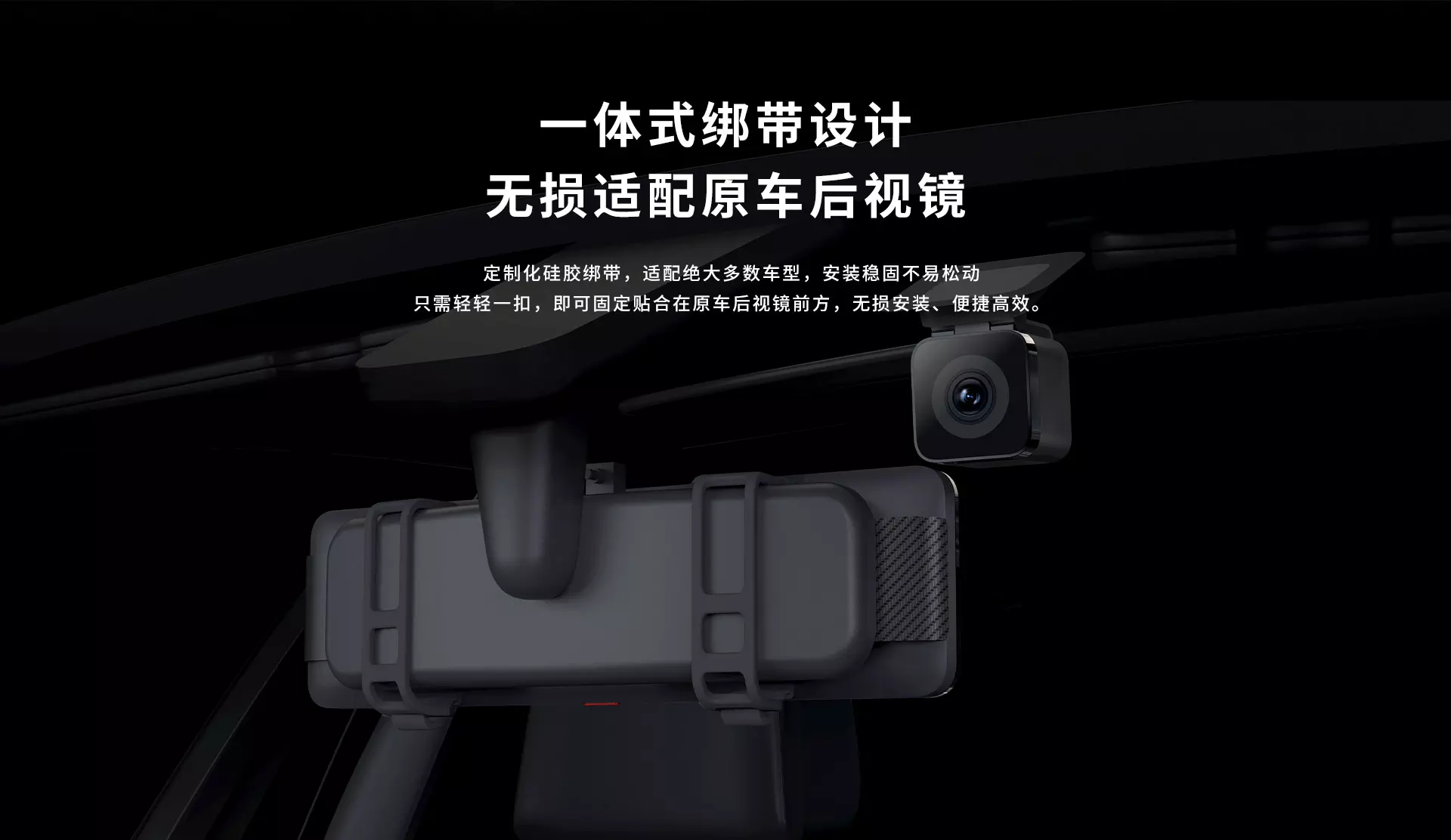
5. Consider Replacing Your Head Unit
If none of the above methods work for your vehicle, there is another option: replace your vehicle's head unit with one that supports HiCar.
Of course, this requires some determination to replace parts of your vehicle. If you're open to it, you can check the HiCar support status of aftermarket head units.
The HiCar supported models page also introduces some aftermarket head units and platforms that support HiCar. You can learn more here: Huawei Developer Alliance - HiCar Supported Models.