Wired Connection
Some phones or head units, especially after-market head units, can only connect to HiCar via a wired connection due to hardware limitations.
Prerequisites
Your phone supports HiCar. Only a few phones do not support HiCar wireless connection and only support wired connection. You can check phone support here: HiCar Supported Phones.
Your car model supports HiCar. Only a few original equipment and after-market head units support only wired connection.
- For original equipment and after-market head unit support, you can check here: HiCar Supported Models.
- For adapter box support, you can check the product sales detail page. Currently, almost all adapter box solutions on the market support both wired and wireless connection to HiCar.
Steps
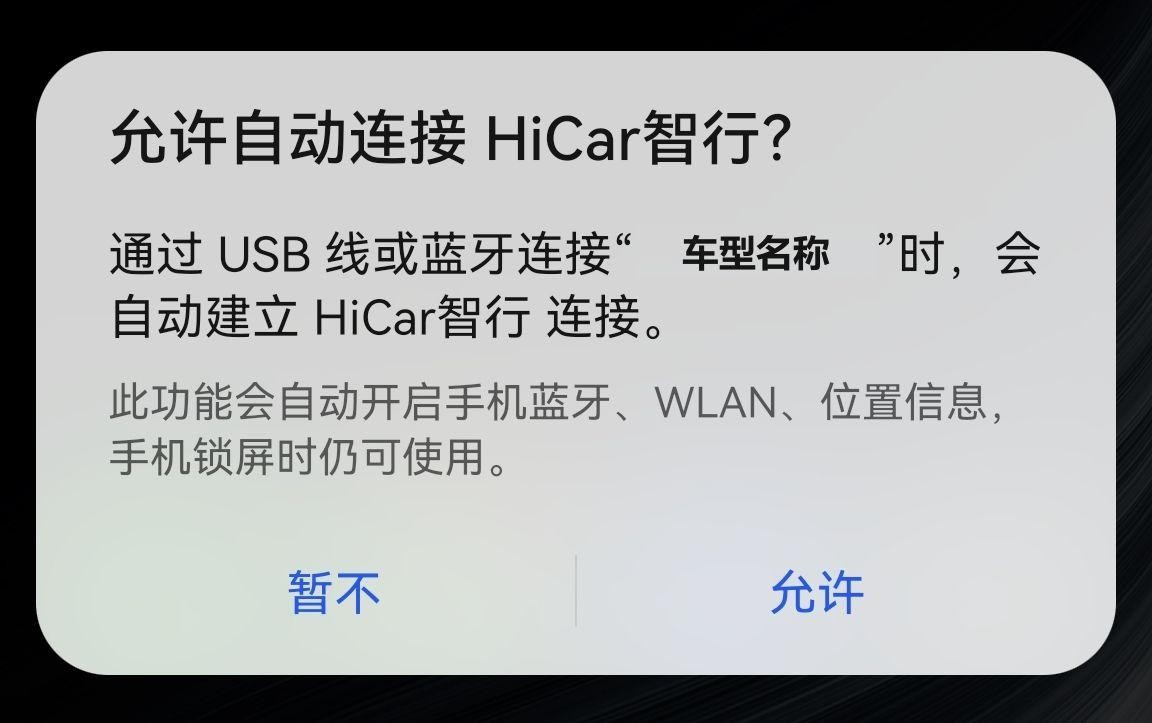
Use a USB data cable to connect your phone to the head unit. On the first connection, follow the prompts on your phone screen to complete the wired connection.
tipPlease use official Huawei phone cables to connect to HiCar to avoid connection failures or instability caused by cable issues.
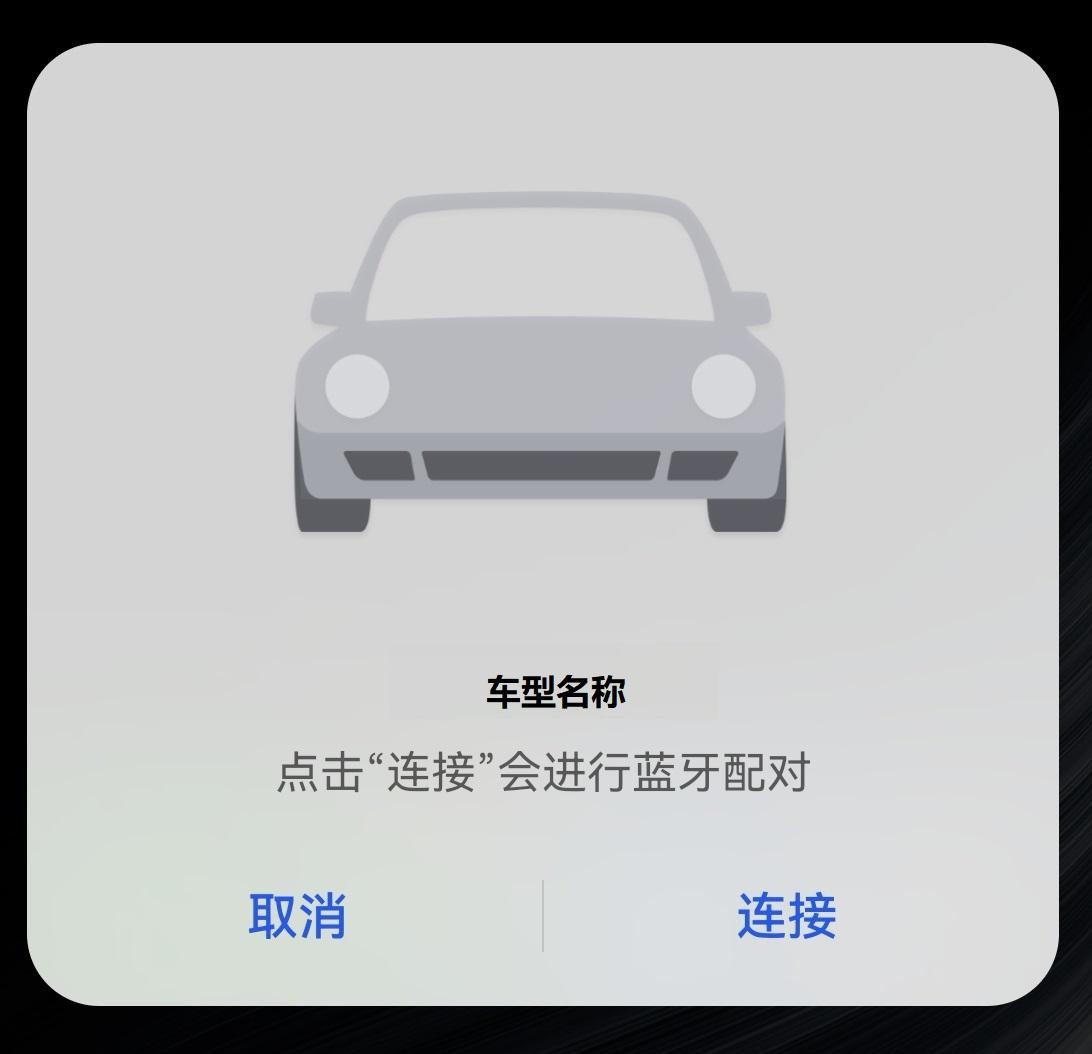
Tap "Connect" in the popup.
In the popup "Allow auto-connect to HiCar", it is recommended to select "Allow".