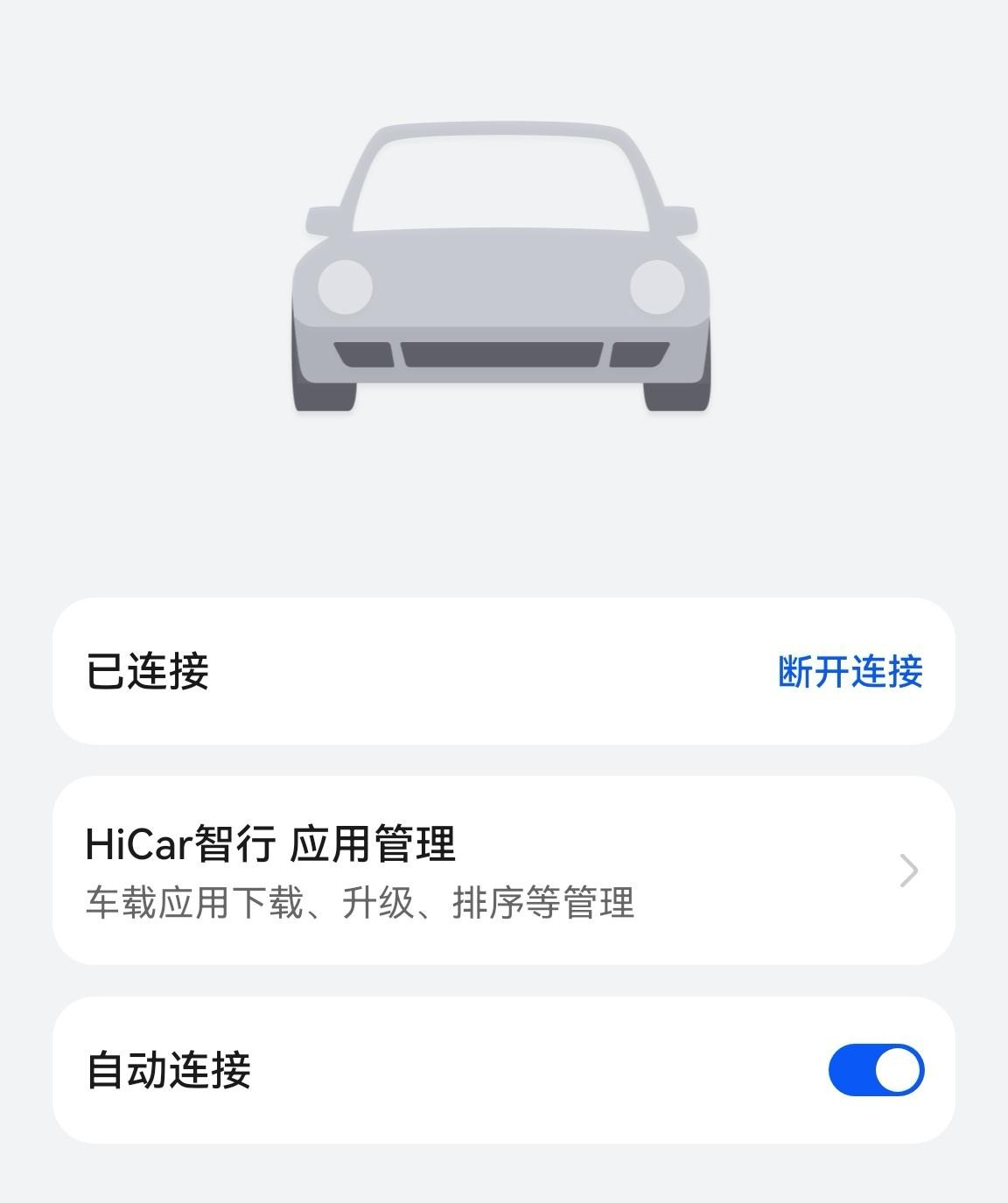
Auto Connect
HiCar's auto-connect feature means that after your first use of HiCar, you don't need to perform any manual connection steps — when you get in your car, your phone will automatically connect to the head unit via HiCar without you even noticing.
About Auto Connect
To enable HiCar's auto-connect function, the device (such as the original vehicle or an adapter box) must implement the HiCar auto-connect interface during development. Only then can it automatically connect on subsequent uses.
Therefore, if your car model or adapter box solution lacks this interface, you will need to manually connect each time you use HiCar.
Steps
If you selected "Allow" to auto-connect HiCar during the initial connection process, then on subsequent uses, as long as your phone's Bluetooth is on or a USB cable is connected, HiCar will automatically connect when the head unit starts up — no manual connection needed.
You can change the auto-connect setting later by following these steps:
After HiCar is successfully connected, swipe down from the top of your phone screen to open the Notification Center.
Tap the HiCar banner notification in the notification panel.
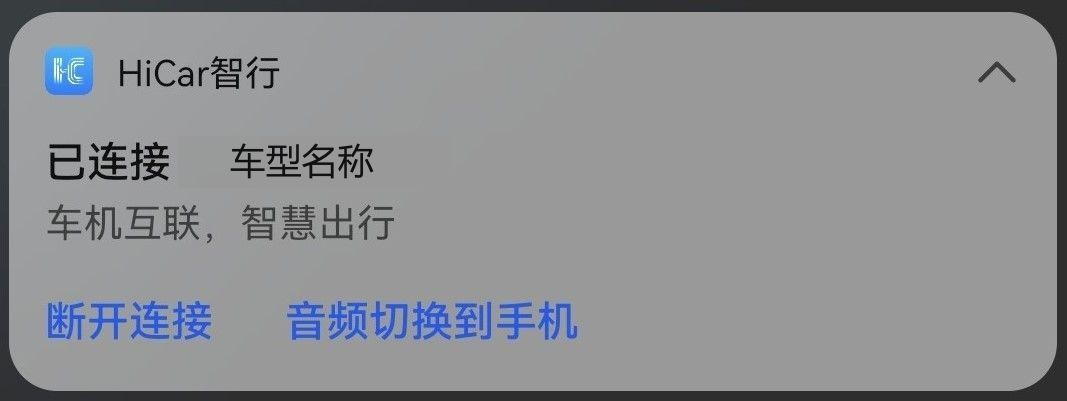
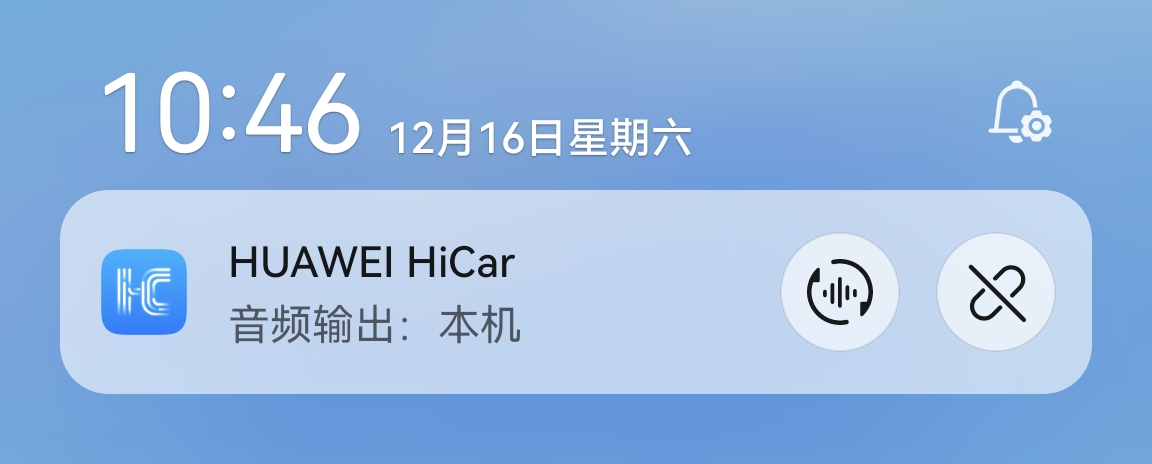
Since version 14.2.0.146, the banner notification has been optimized as shown below:
Turn the "Auto Connect" toggle on or off as needed.