Mobile Linkage Navigation
The mobile linkage navigation feature relies on the driving mode feature on your phone. If you are not yet familiar with HiCar driving mode, you can click Driving Mode Overview to learn more.
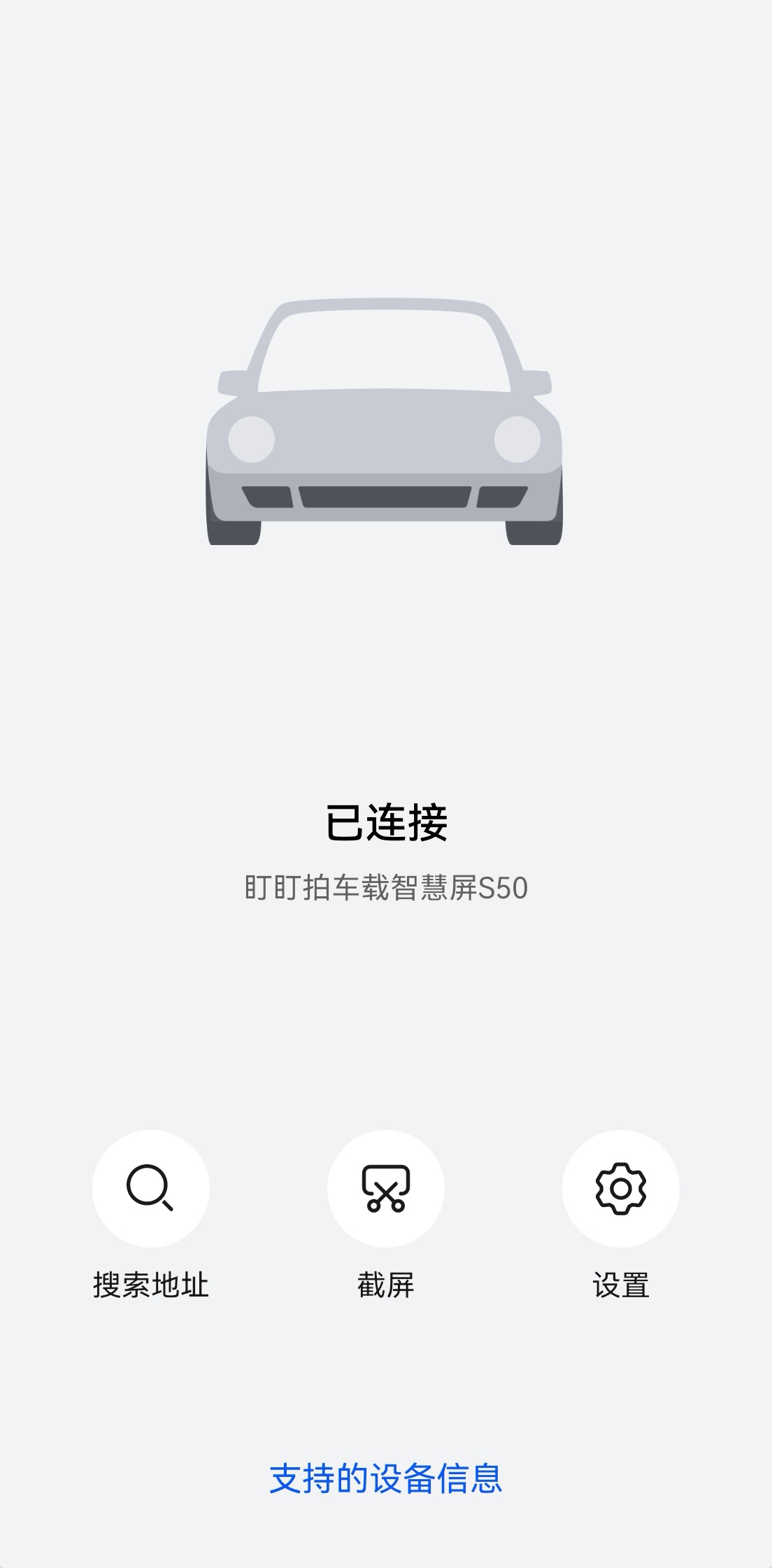
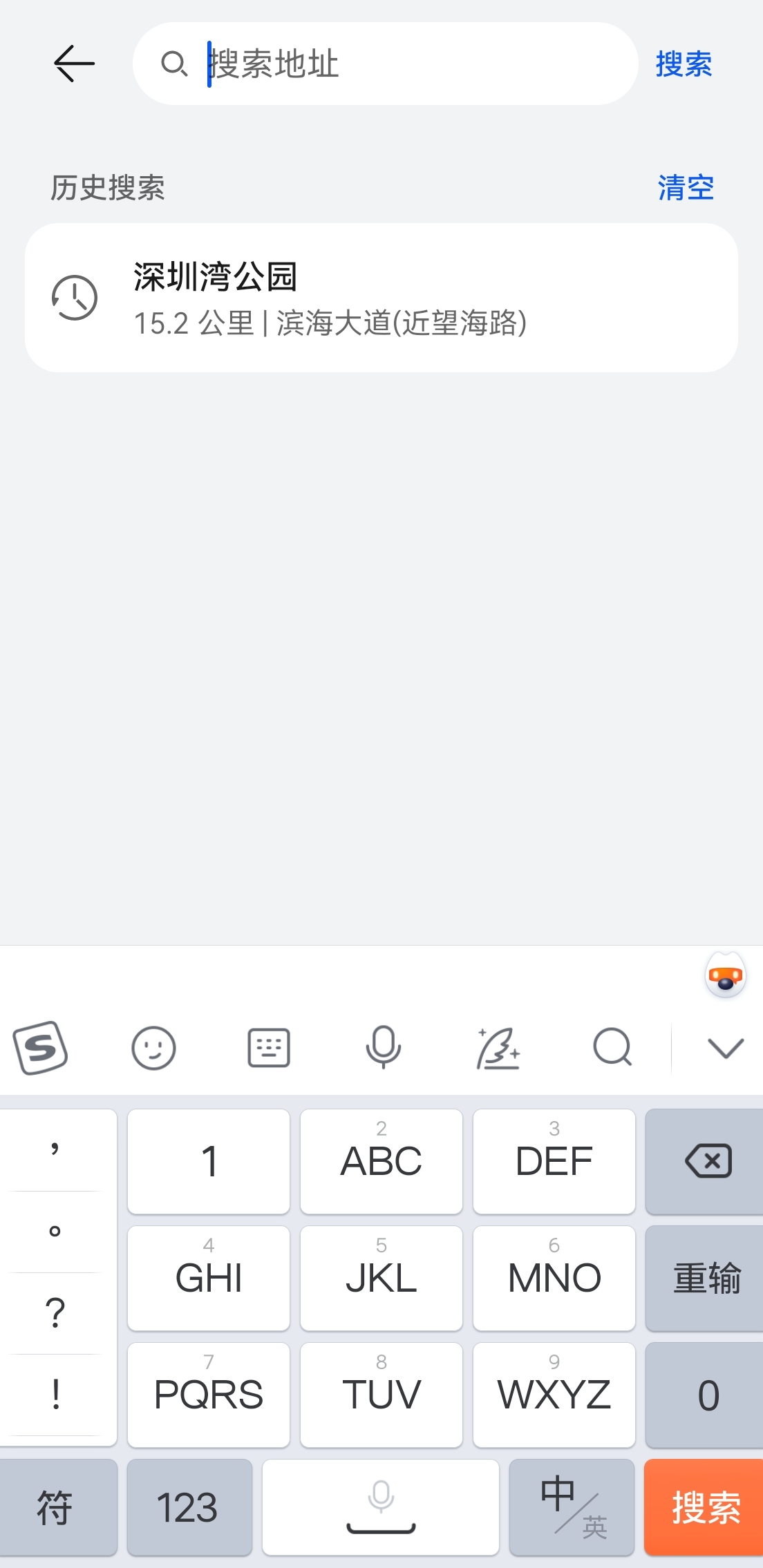
When you enable driving mode on your phone while connected to HiCar, the driving mode interface will transform into the HiCar remote control style shown below. At this point, tap the first Search Address button to search for an address on your phone. Once you confirm the location, the head unit screen will immediately start navigation to that location.
This feature is especially useful for HiCar users with non-touchscreen head units.