Integration with HiCar
Driving Mode can be seen as HiCar that works without connecting to the vehicle's infotainment system. After connecting to the vehicle, it can also serve as a HiCar remote control, providing HiCar screenshot and phone-linked navigation features.
Relationship Between Driving Mode and HiCar
Driving Mode is part of HiCar:
- When not connected to the vehicle, it provides driving services for users using phone mounts.
- When the phone is connected to the vehicle, it acts as a HiCar remote control to enhance the HiCar experience.
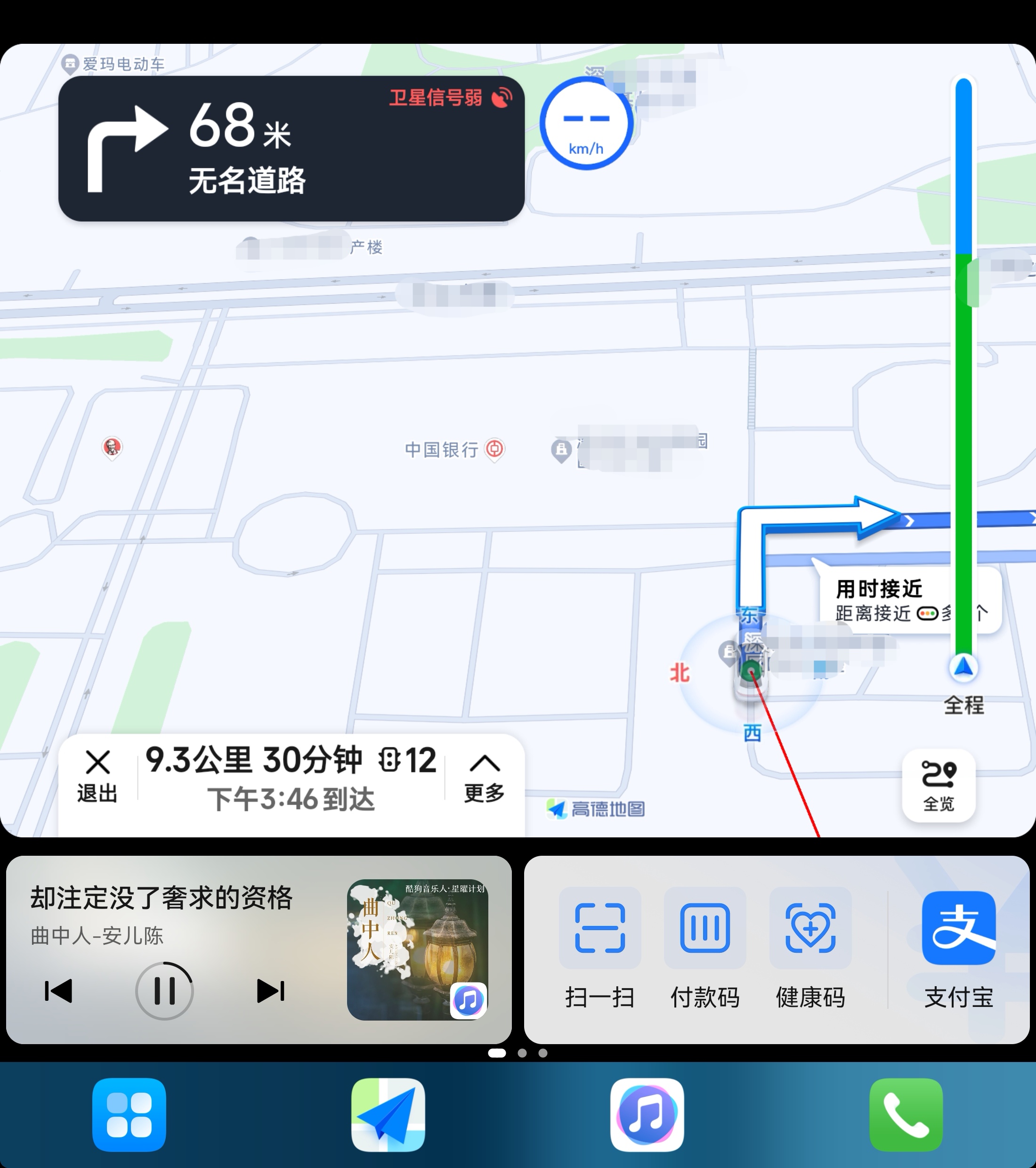
On foldable phones, Driving Mode is basically consistent with the portrait version of HiCar.
HiCar Screenshot and Phone-Linked Navigation
After the phone connects to HiCar, Driving Mode will automatically transform into a HiCar remote control, providing HiCar screenshot and phone-linked navigation features.
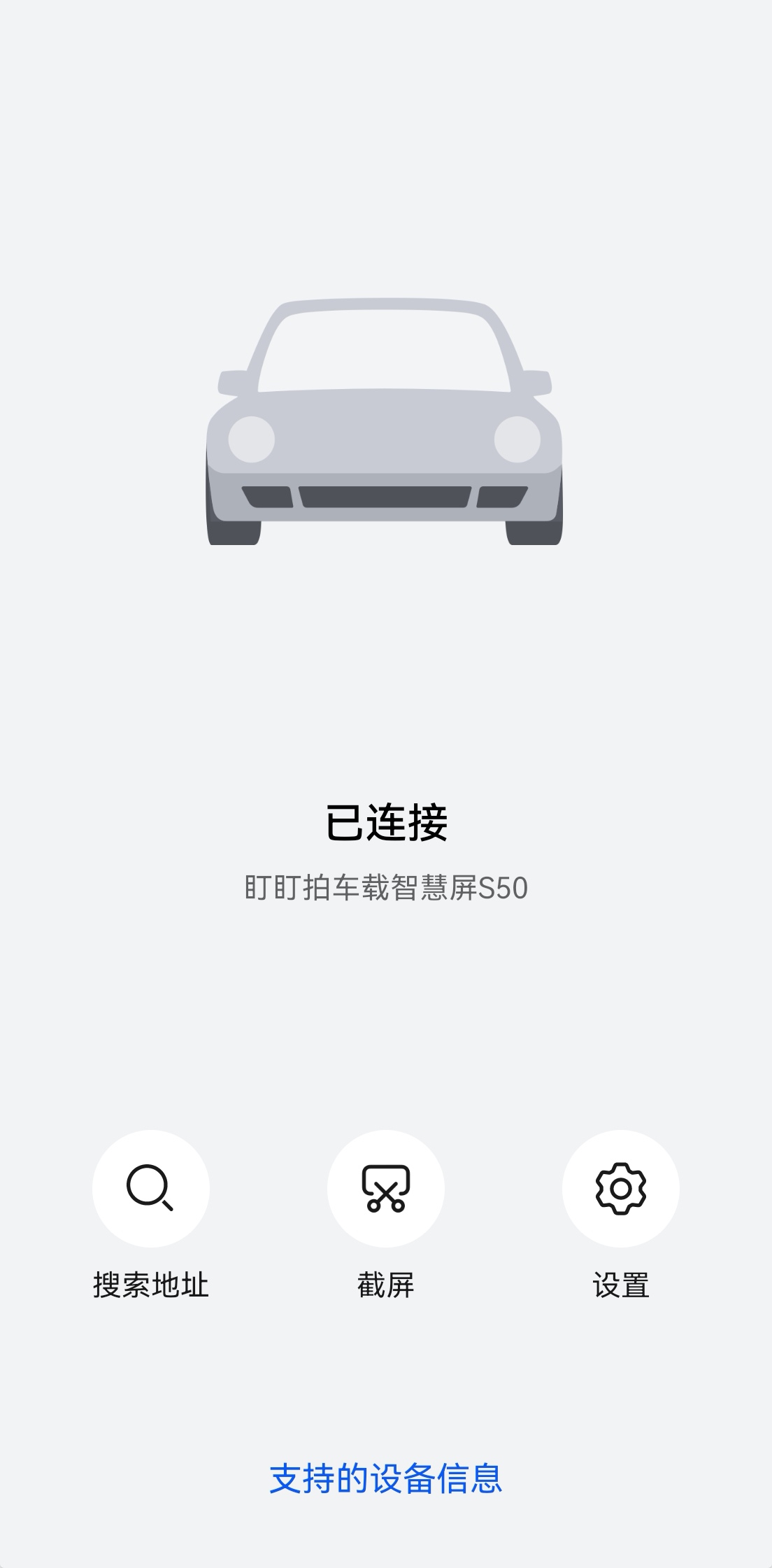
Search Address: Another quick navigation method provided by HiCar — search for an address on the phone, and the vehicle's system will immediately start navigation. This greatly improves the experience of using HiCar with non-touchscreen vehicles, such as those with knob controls.
Screenshot: Tap to instantly capture the current HiCar interface and save it to your phone's photo album.
Settings: Enter the HiCar connection settings interface. This is the same as accessing it directly via "Settings > More Connections > HiCar Smart Travel".