Functions and Operation Logic
The main functions of Driving Mode include Smart Voice, Cards, Navigation, More Apps, etc.
Smart Voice
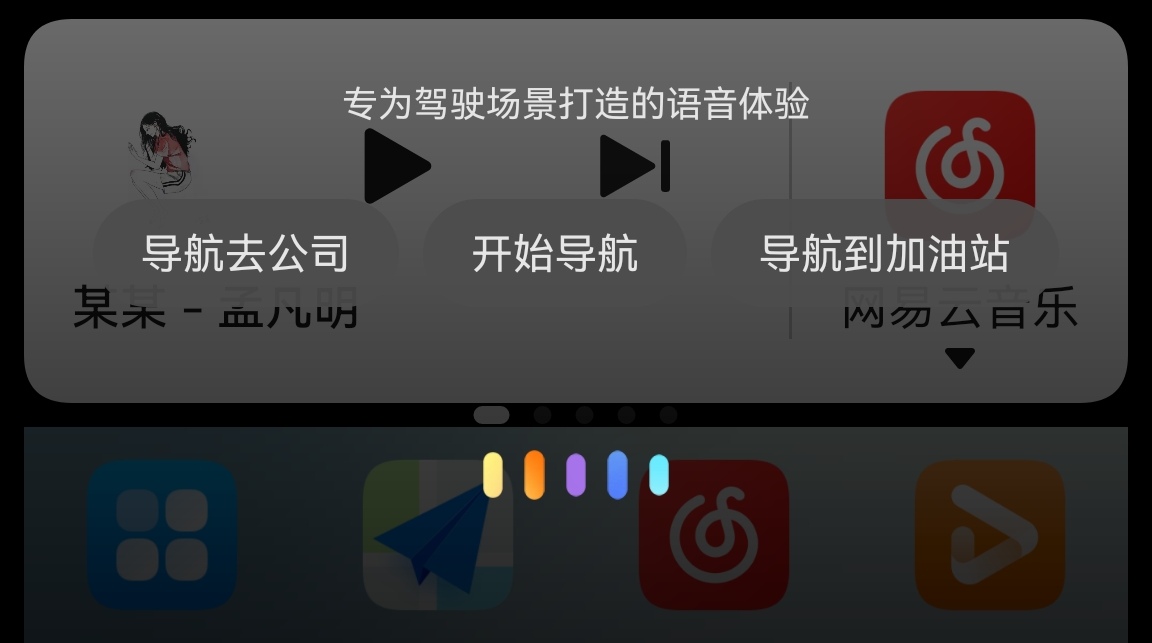
The Smart Voice in Driving Mode is consistent with HiCar's Smart Voice. It supports voice navigation to destinations and playing songs directly. It also supports multiple commands in one sentence, such as saying "Navigate home and start playing music" in one go.
Navigation
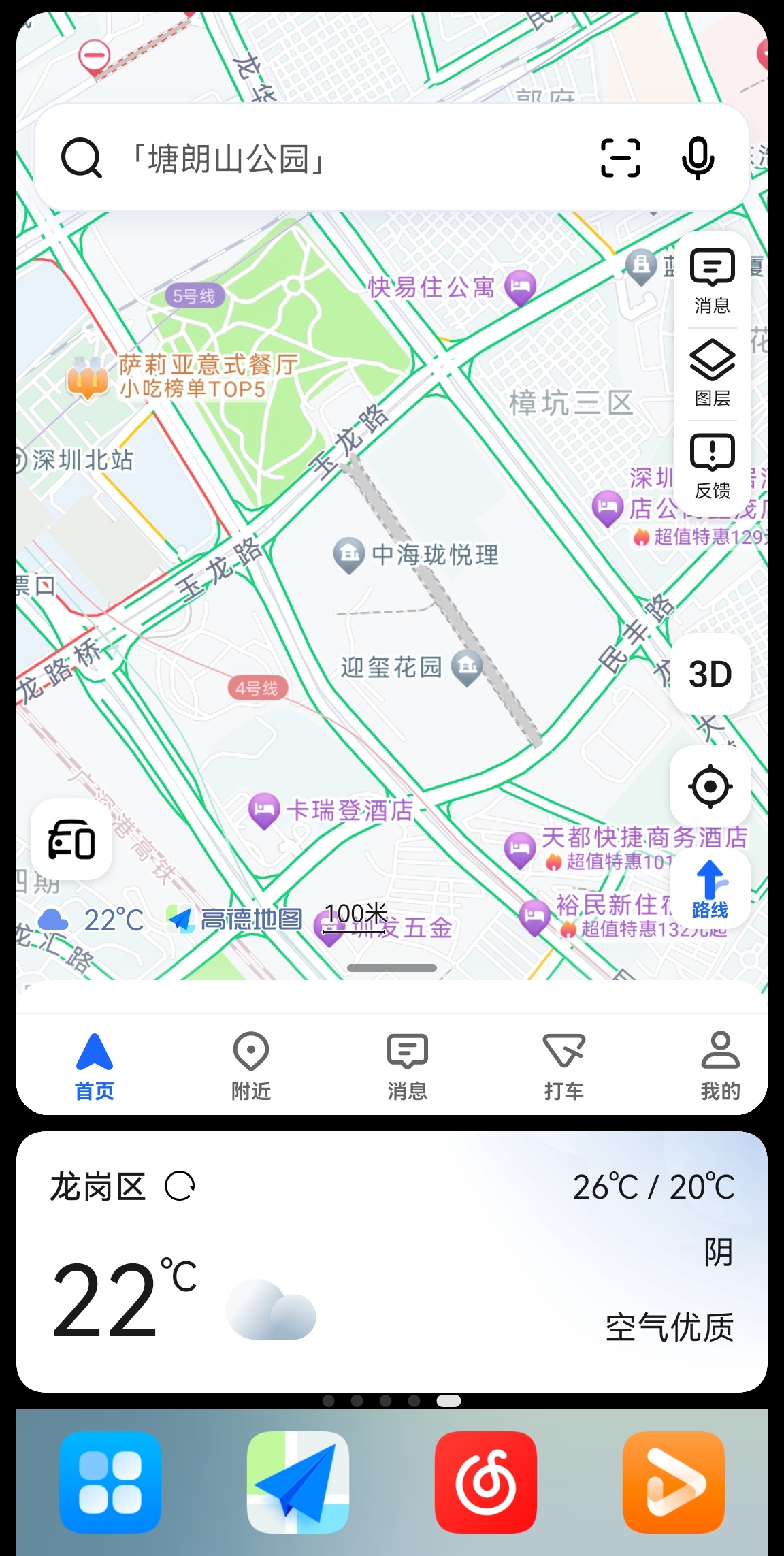
As the primary scenario for Driving Mode, the navigation function operates identically to the original navigation apps in terms of user habits.
Function Cards
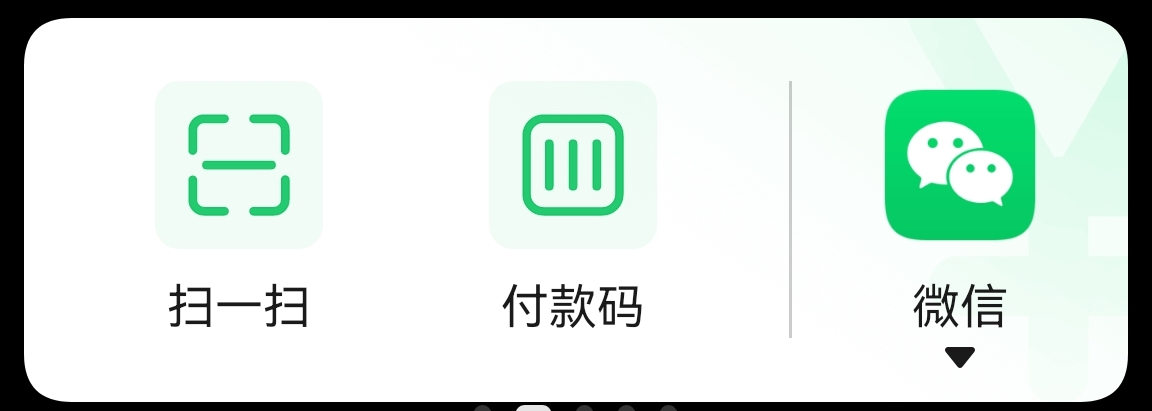
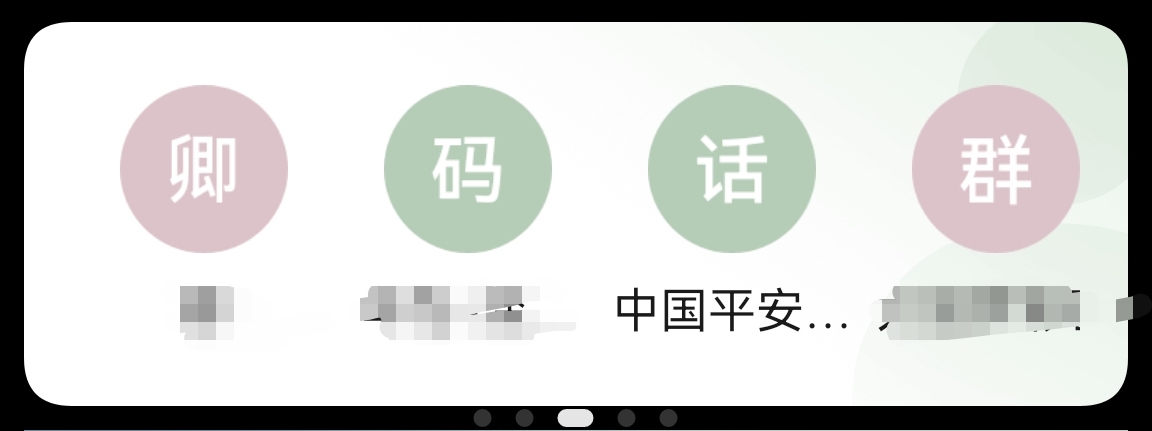
Driving Mode provides numerous cards, including Music, Payment, Call, Parking, and Weather cards. For the Music and Payment cards, you can choose your preferred music and payment apps.



More Apps
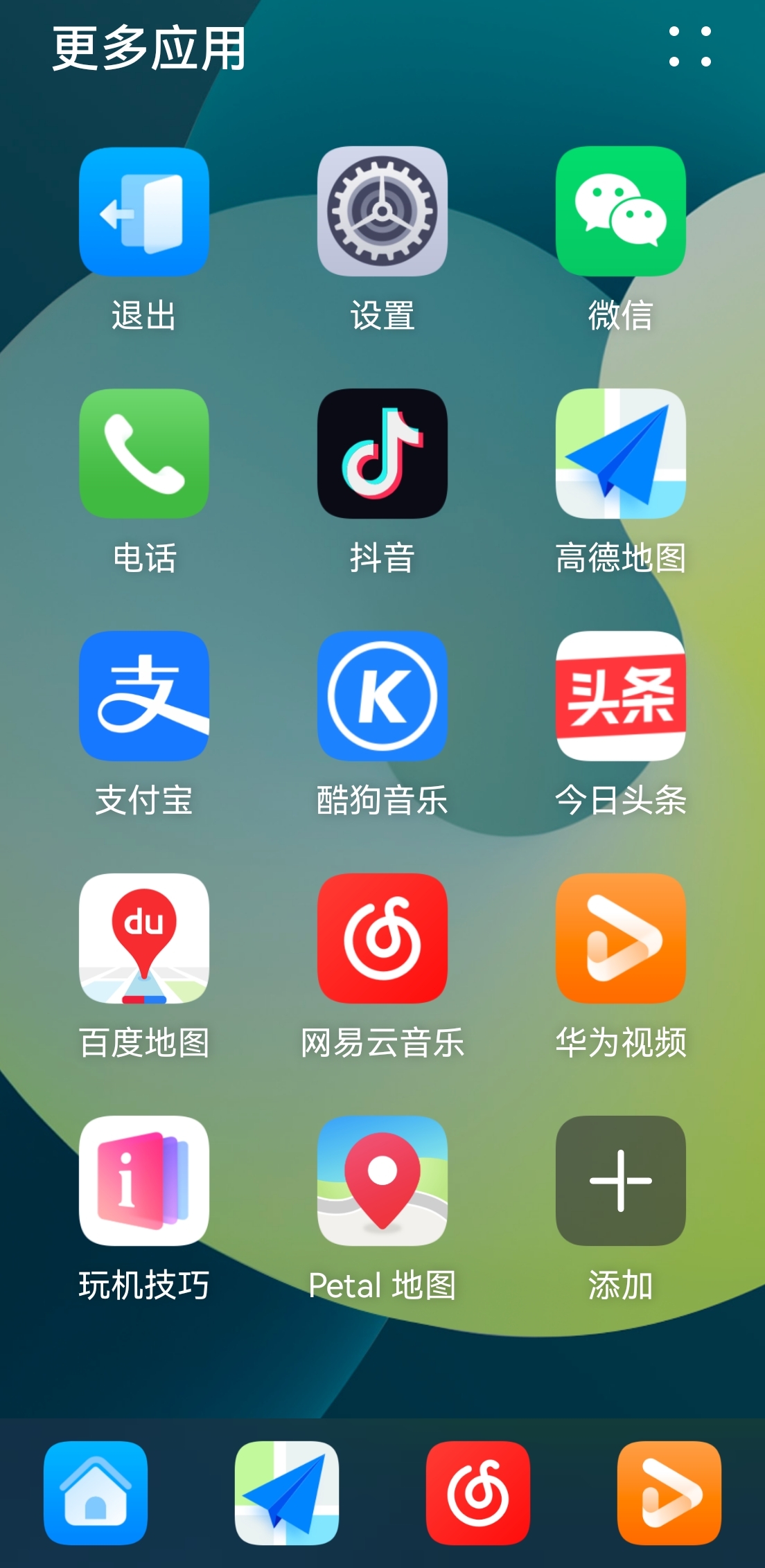
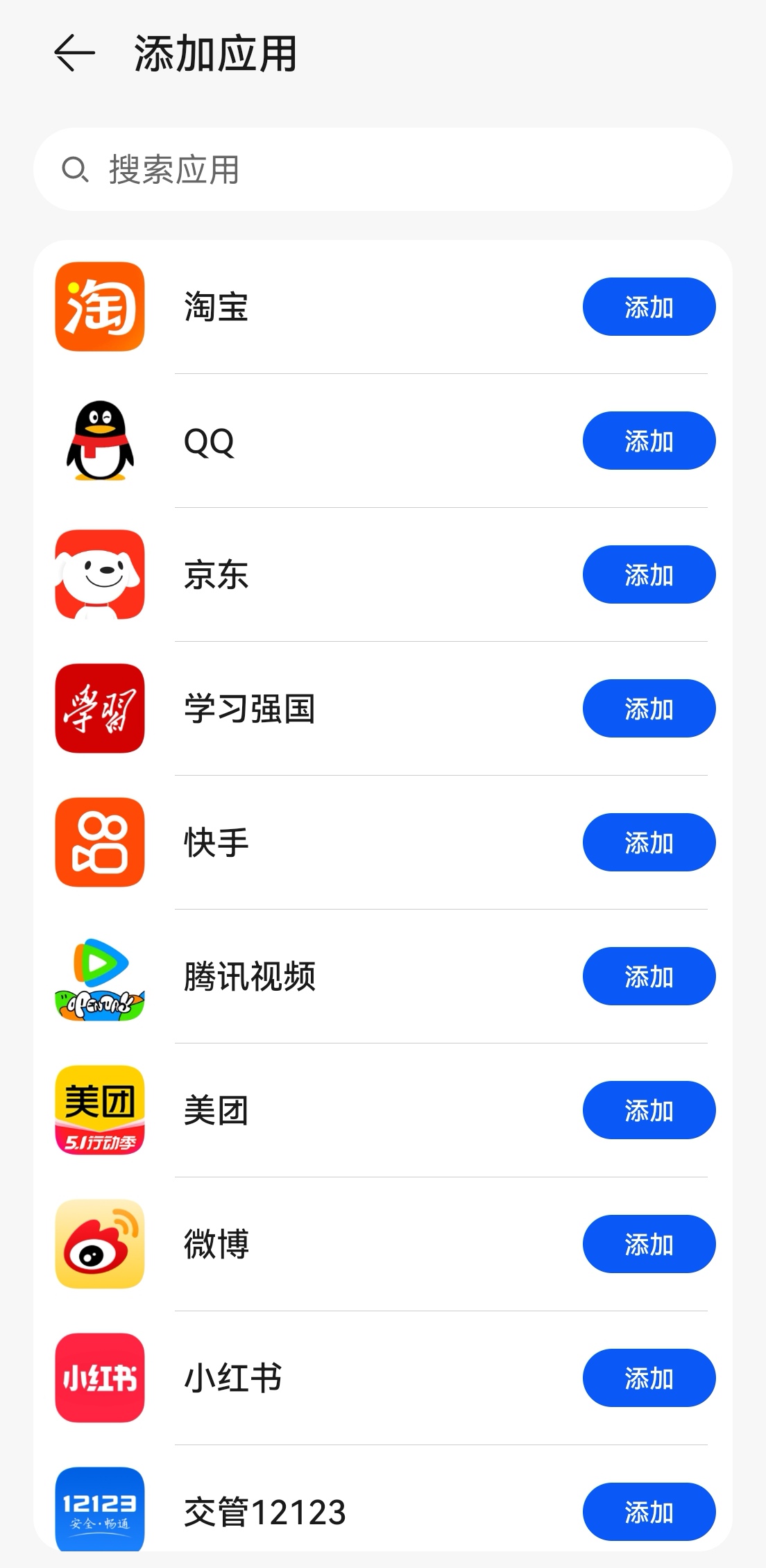
Tap the first icon in the Dock area to access the More Apps list, where you can add or remove apps according to your preferences.
Operation Logic
From the More Apps list, you can open any app directly. When you do this, the app opens fully while a Dock bar remains at the bottom, allowing you to switch to navigation, music, or other interfaces at any time. This makes it convenient to switch apps while waiting at traffic lights.