HiCar In-Car Virtual Cinema

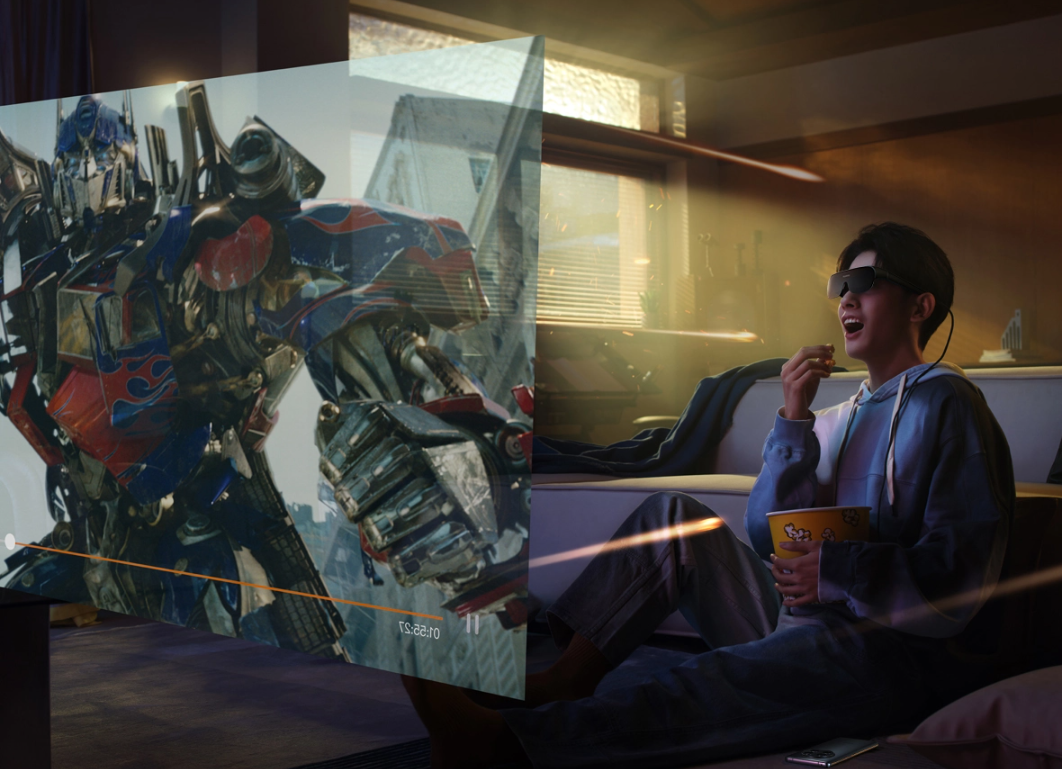
Use HiCar with HUAWEI Vision Glass smart vision glasses in your vehicle. You can experience a 120-inch virtual giant screen while enjoying the stunning sound effects from your vehicle's original audio system.

Demonstration

Preparation

  1. Purchase HUAWEI Vision Glass smart vision glasses.
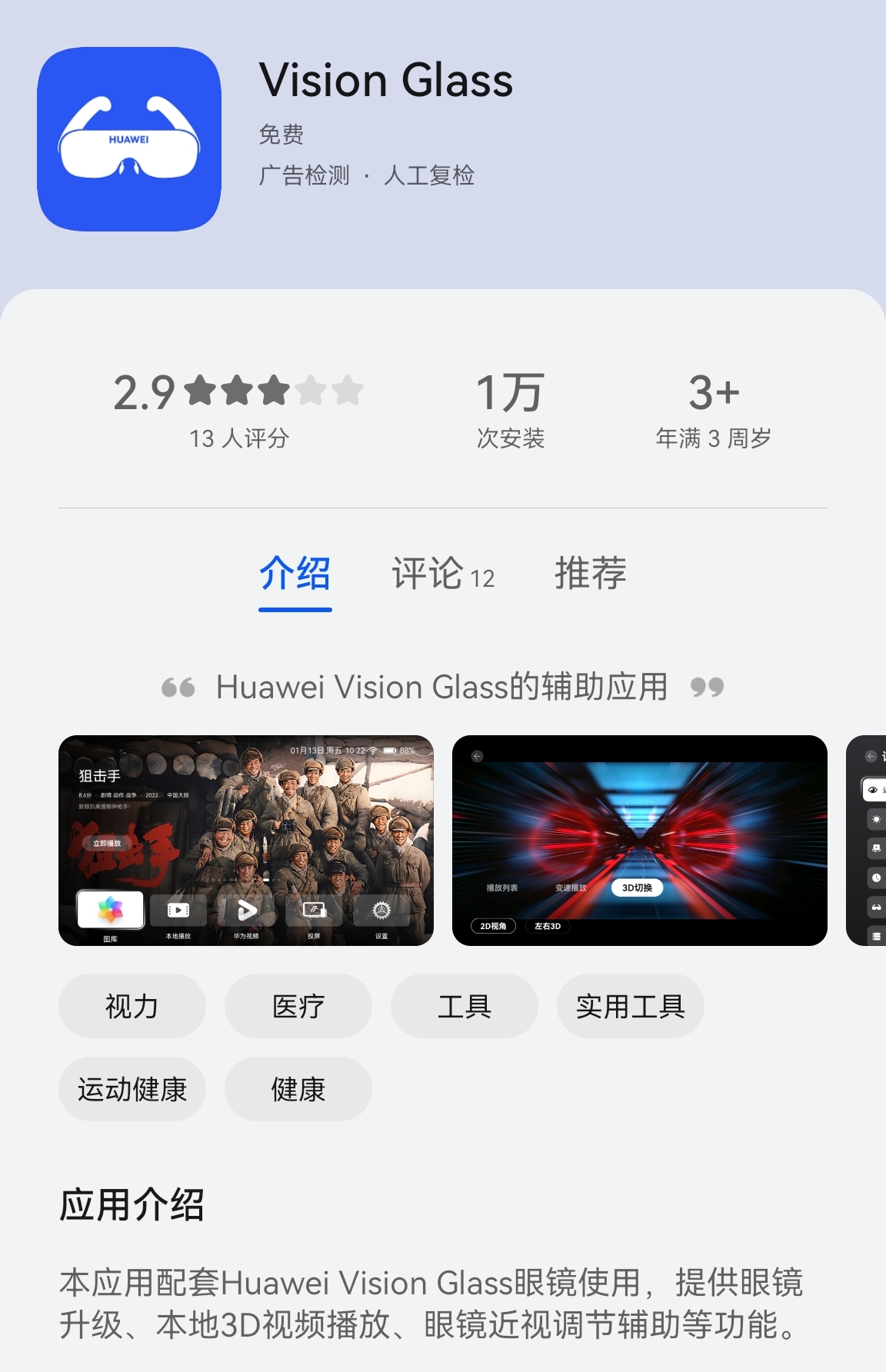
  2. Download the companion Vision Glass app according to the smart vision glasses guide.
  3. Your vehicle must support wireless HiCar connection.

Connecting HiCar Wirelessly

Since Vision Glass must connect to your phone via a wired connection, your phone can only connect to HiCar wirelessly.

For specific steps on connecting HiCar wirelessly, please refer to Wireless Connection.

Connecting Vision Glass via Cable

  1. Confirm that the companion Vision Glass app is installed on your phone.

  2. Connect the Type-C interface of the smart vision glasses to your phone.

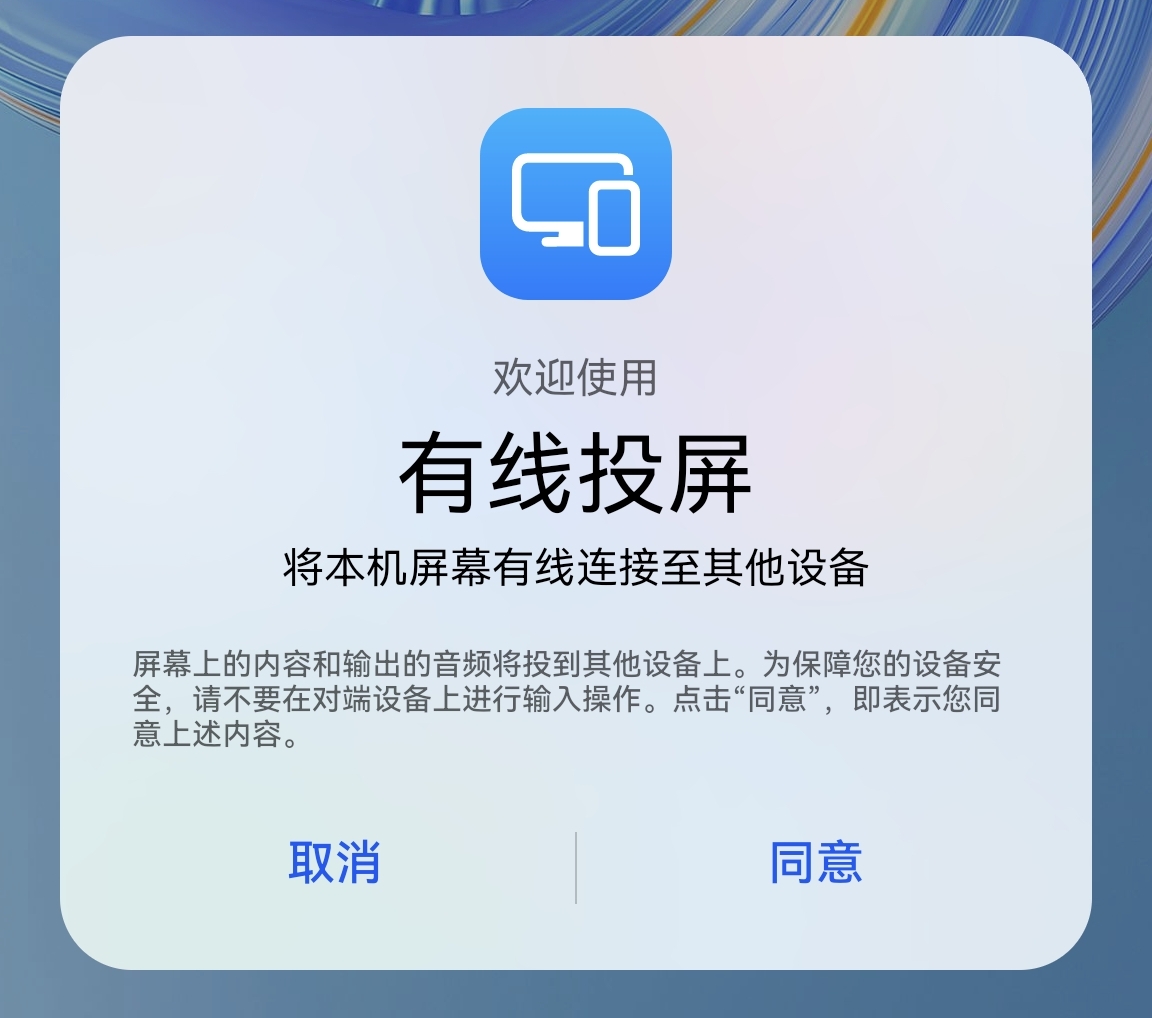
  3. When the "Wired Projection" dialog pops up, tap "Agree".

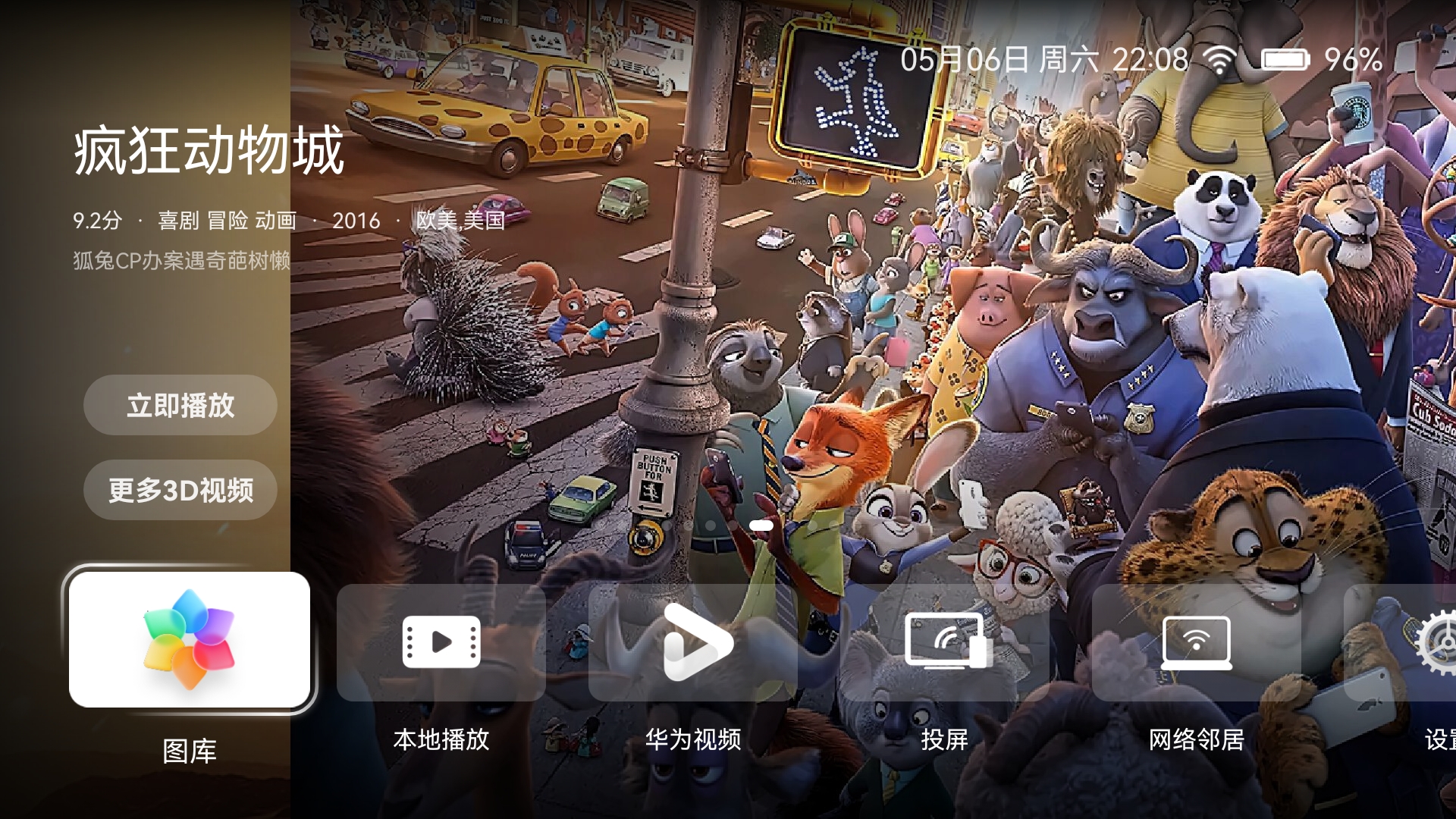
  4. Once connected, put on the smart vision glasses to see the Huawei Video interface.

Playing Videos

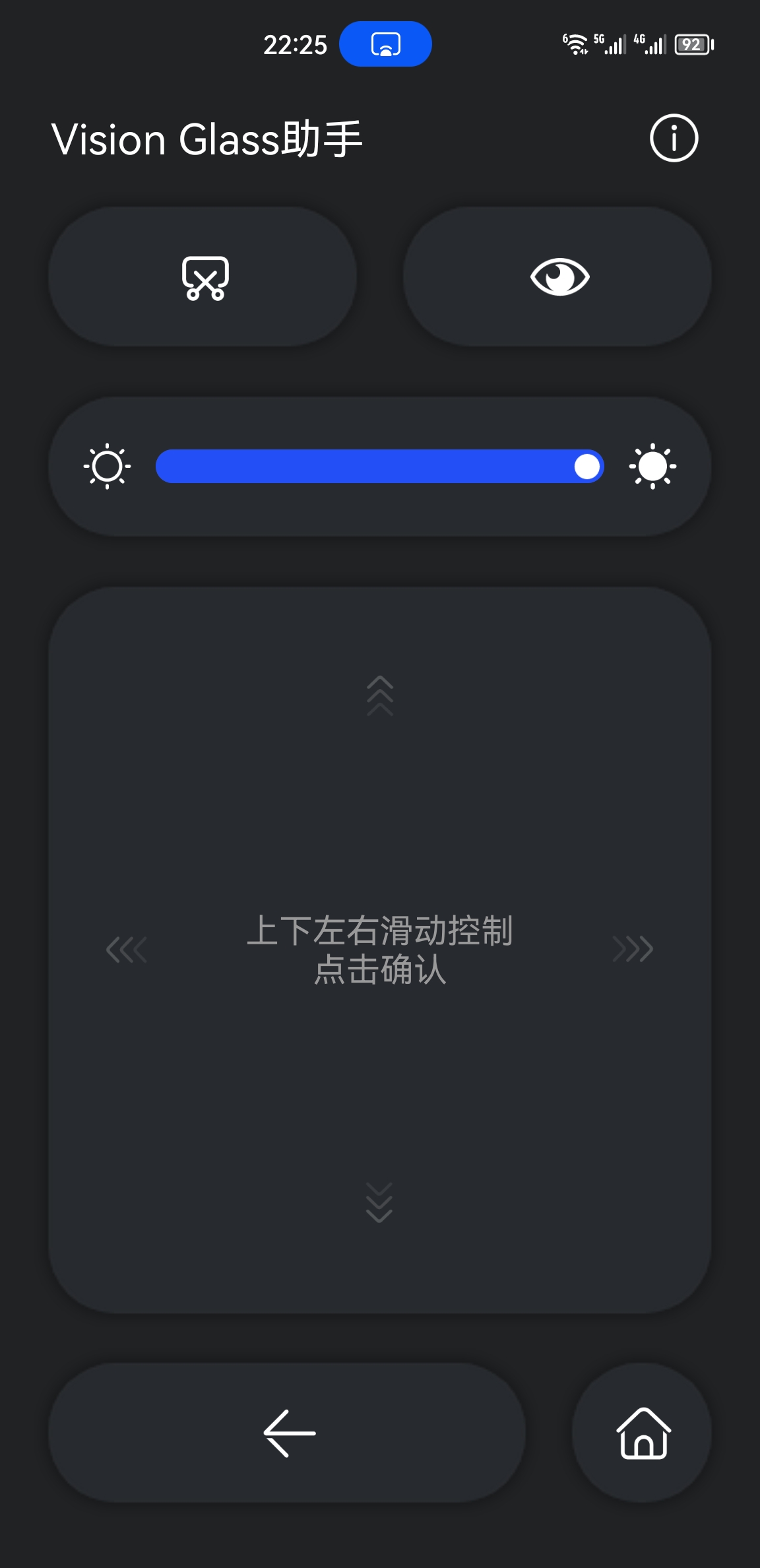
You can control video playback through the Vision Glass app, which supports both online and local videos.

Before playing a video, remember to pull down the phone's notification panel and switch audio output to the vehicle's system. This way, you can enjoy blockbuster movies through the smart vision glasses while experiencing the stunning sound of your vehicle's audio system.

For more information about the smart vision glasses, please refer to the Vmall product details page.